We use cookies to improve the services we offer you. By continuing to browse this site, you consent to keep them in accordance with our Privacy Policy.
×We use cookies to improve the services we offer you. By continuing to browse this site, you consent to keep them in accordance with our Privacy Policy.
×
 377
377
 15 min

Let’s be honest. Most of us are drowning in meetings. Atlassian’s 2025 survey says the average employee still sits through 62 meetings every month. That’s basically two a day. And here’s the kicker: companies that cut their meeting load by 40% didn’t fall apart; they actually saw a 71% boost in productivity.
Microsoft calls the constant ping-pong of back-to-back calls “digital exhaustion.” If you’ve ever closed one Zoom tab only to open another two minutes later, you know exactly what that feels like. Their advice is simple: use meeting agendas and block out meeting-free time, so your brain can catch a breath.
According to Harvard Business Review, in companies that introduced mandatory “no-meeting Fridays,” people weren’t slacking off, rather they were thriving. Employee satisfaction shot up 55%, and project delivery times improved by 35%.
So what does this mean for you? Meetings aren’t going away, but they don’t have to run your life. That’s where AI note takers step in. They handle the boring bits, such as recording, transcribing, summarizing, so you can focus on the actual conversation. In this article, we’ll walk you through the top 11 AI note taker apps for 2026.
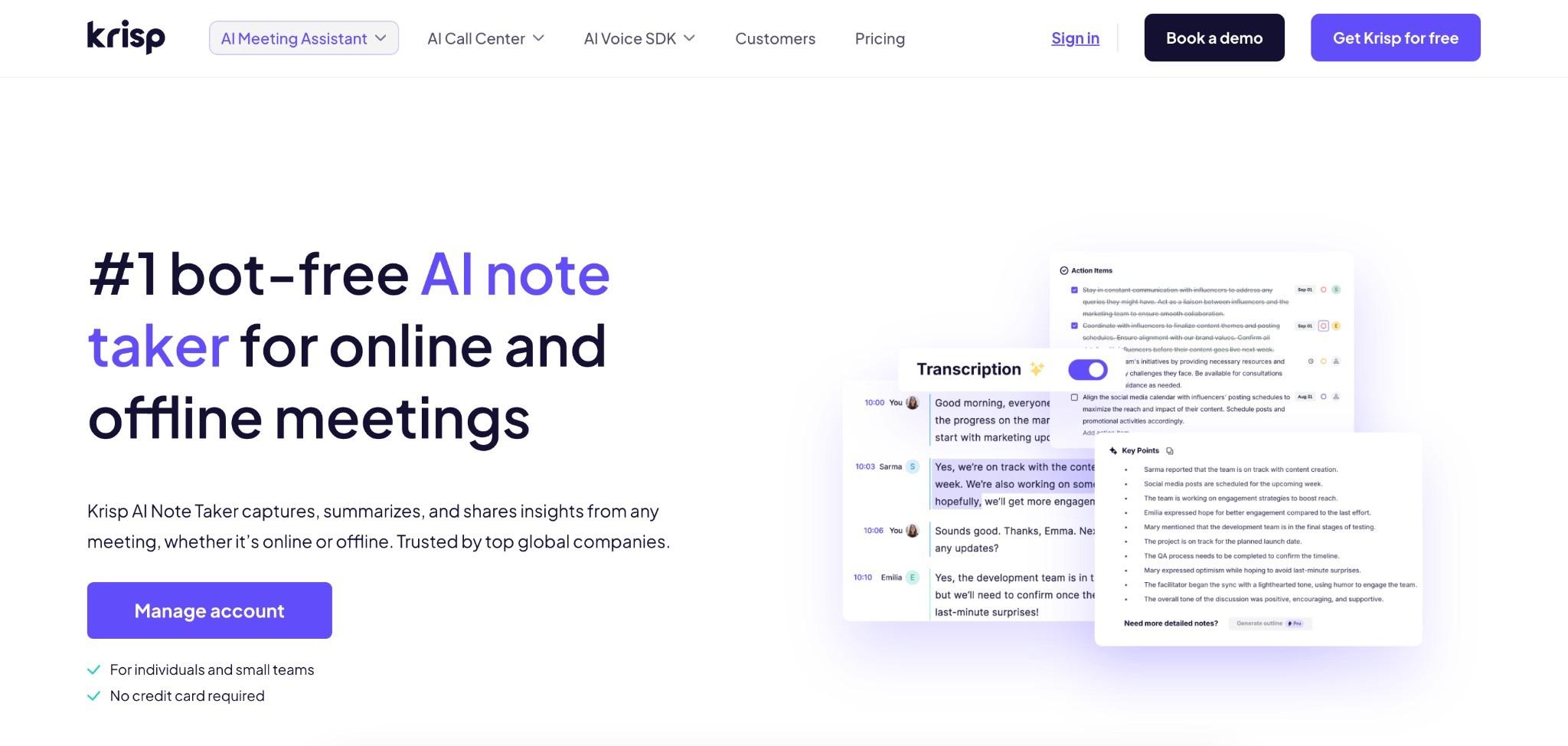
Krisp AI note taker is best known for its industry-leading noise cancellation and bot-free transcription, ensuring crystal-clear calls while capturing accurate notes. Unlike tools that add a recording bot, Krisp runs quietly in the background, delivering clarity and privacy in every meeting.
Pros
✅Exceptional audio clarity with best-in-class noise suppression
✅ Works invisibly without bots disrupting meetings
✅Unlimited transcription on the free tier
Cons
❌ Free plan offers limited features and transcription hours
❌ Advanced features (like unlimited transcription or AI chat limits) require a paid upgrade
Pricing: Free plan with unlimited transcription; Pro (~$16/month) adds full suite with recording and team features; Business and Enterprise tiers available.
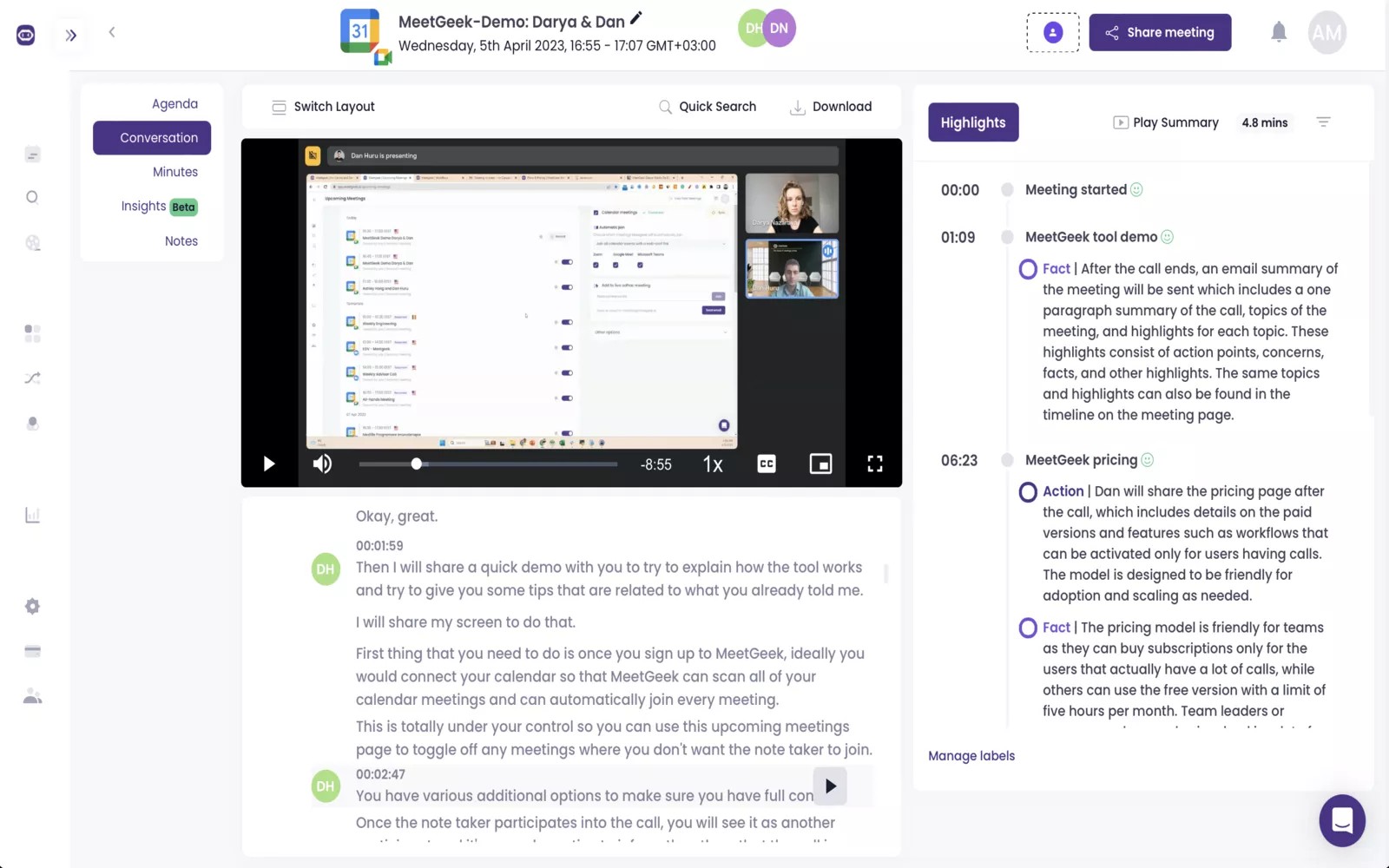
MeetGeek is an AI meeting assistant with strong multilingual transcription and customizable summaries, making it ideal for global and structured teams. It also supports workflows via voice commands and deep integrations with productivity tools.
Pros
✅ Excellent for multilingual, cross-border teams
✅ Highly customizable summaries and flexible templates
✅ Hands-free workflows reduce manual note-taking
Cons
❌ Free tier is restrictive for regular users
❌ Accuracy may vary with strong regional accents
Pricing: Free plan (5 hours/month, 3-month transcript storage); Pro at ~$19/month; Business and Enterprise plans scale storage and analytics.
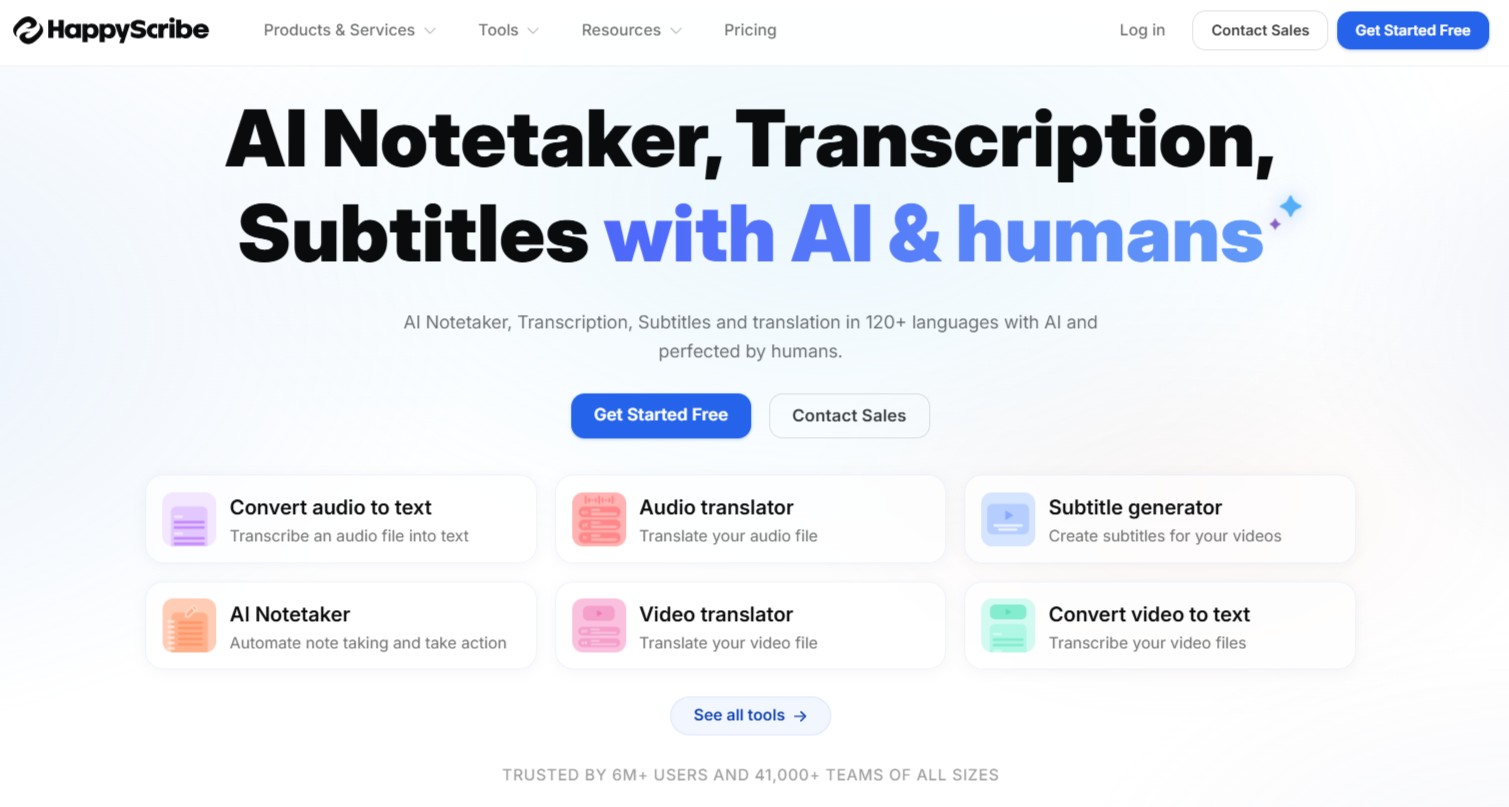
Happy Scribe is a powerful AI transcription and note-taking tool designed for professionals who need accurate, structured meeting records without extra complexity. It focuses on converting audio and video into clear, editable transcripts, making it a strong choice for teams that rely on documentation, interviews, or detailed meeting notes.
Happy Scribe Key features
Pros
✅ High transcription accuracy with clean, readable output
✅ Excellent for multilingual teams and global workflows
✅ Flexible export formats for different use cases
Cons
❌ No real-time collaboration features like some competitors
❌ Requires manual review for perfect accuracy
Pricing: Free trial available; paid plans start at ~$10/month, with higher tiers for professionals and teams.
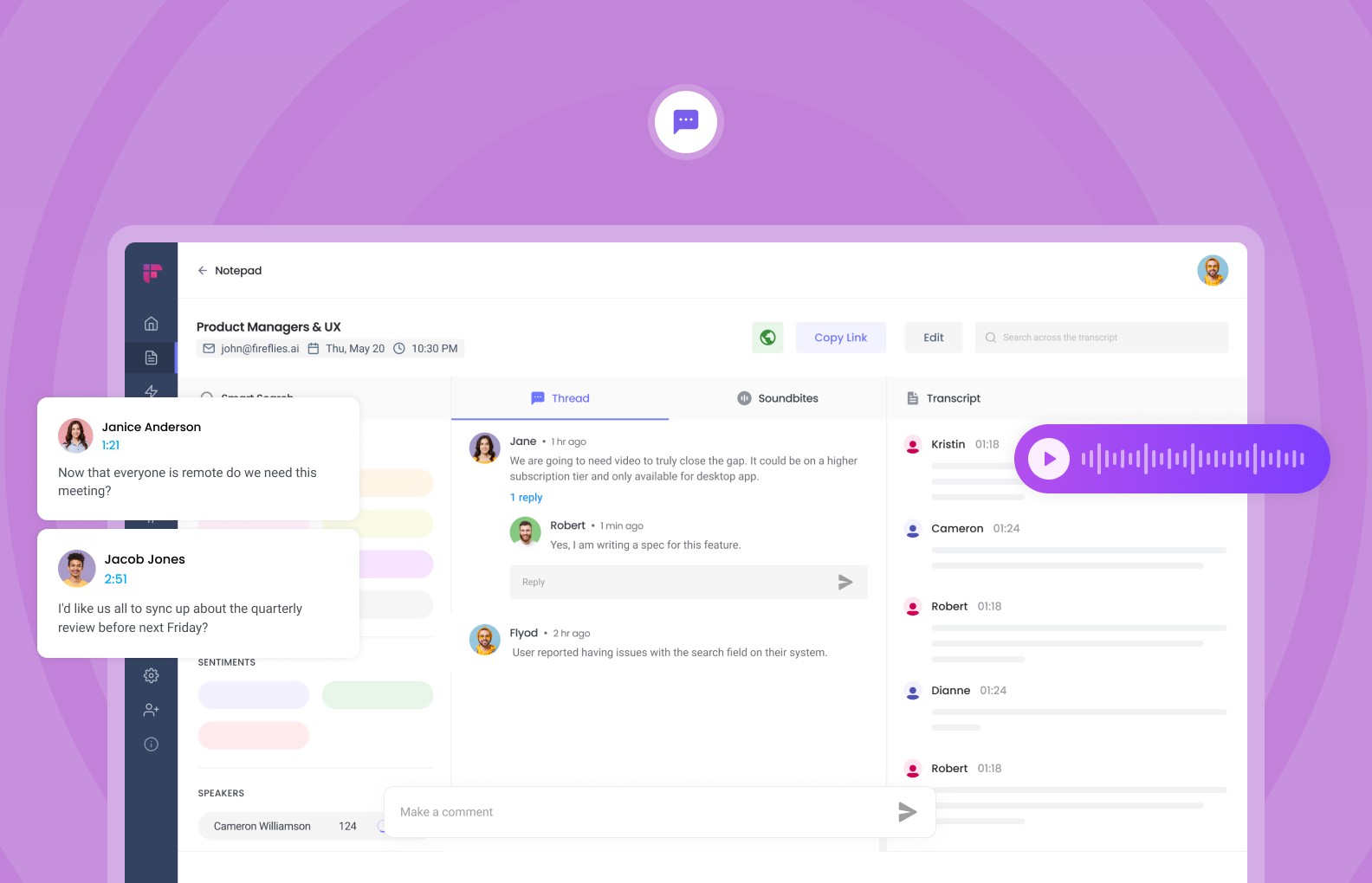
Fireflies is built for collaboration, helping teams capture, share, and search across meeting notes. With action-item detection and robust integrations, it’s especially popular among sales and remote teams that need searchable records synced with CRMs.
Pros
✅ Affordable entry pricing with strong team integrations
✅ Great collaboration features: comments, highlights, and searchable transcripts
✅ Wide integration library makes it fit into most workflows
Cons
❌ Audio clarity weaker than Krisp in noisy environments
❌ Storage limits on free plan require frequent cleanup
Pricing: Free plan with unlimited transcription but limited storage (800 minutes); paid plans start at ~$10/month.
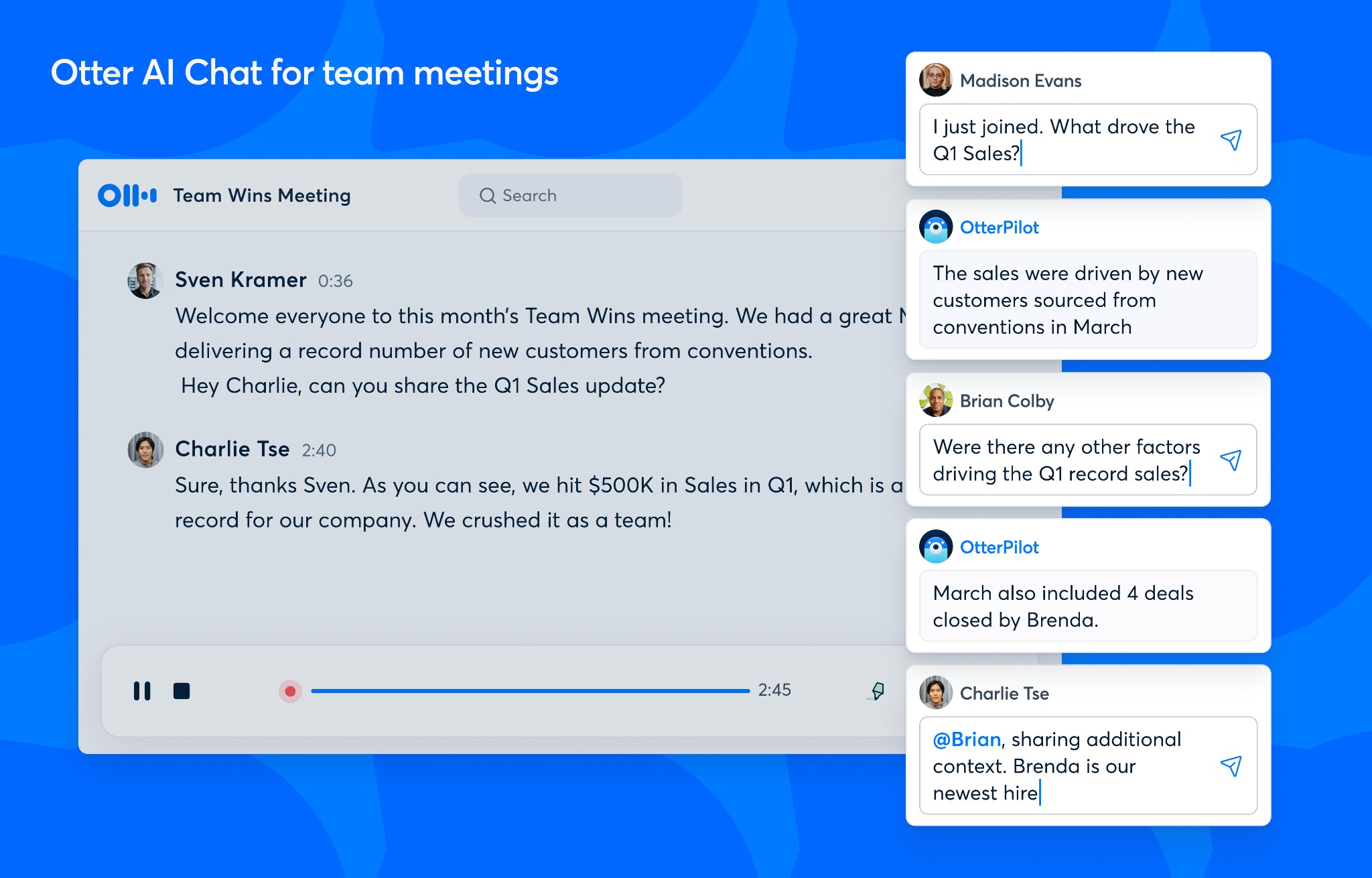
Otter AI is one of the most recognized names in meeting transcription software, known for live transcription, speaker identification, and AI-generated summaries. Its AI Chat feature lets users search or draft from past meetings as if chatting with an assistant.
Pros
✅ Established, trusted platform with broad adoption
✅ Strong live transcription accuracy and summaries
✅ AI Chat makes finding past content easier
Cons
❌ Free plan is limited for active users
❌ Accuracy drops in noisy or technical discussions
Pricing: Free plan with 300 minutes/month; Pro ($16.99/month) for 1,200 minutes; Business ($20/user/month) with 6,000 minutes and team features; Enterprise custom.
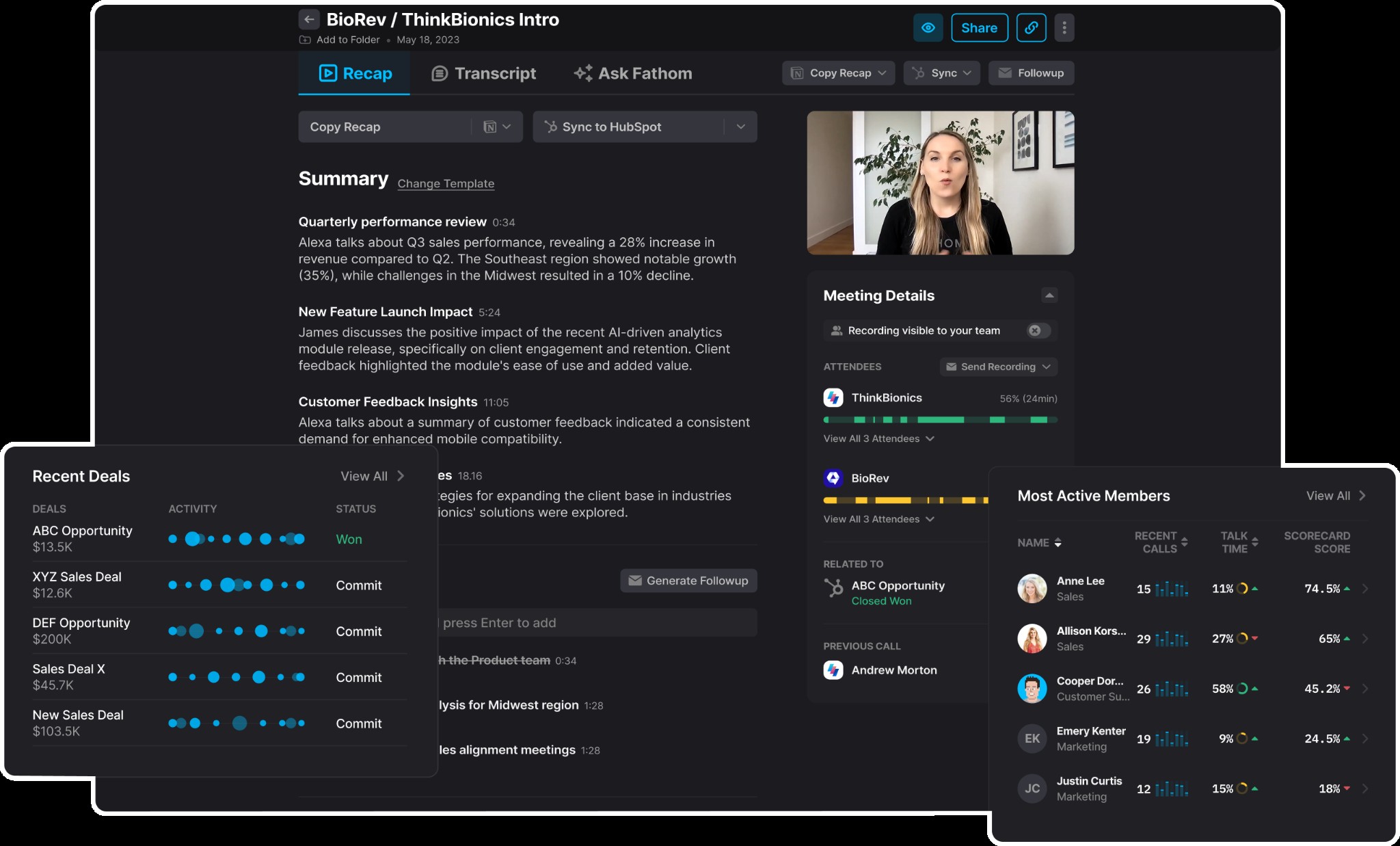
Fathom is a Zoom-native AI assistant that captures and summarizes meetings in real time, with a standout free plan offering unlimited recordings and transcripts for individuals. It’s designed for ease — just join a call and get automatic highlights and notes delivered afterward.
Pros
✅ One of the most generous free tiers in this space
✅ Native Zoom integration makes onboarding simple
✅ Real-time highlights keep focus on conversation instead of notes
Cons
❌ Limited integrations outside Zoom in the free plan
❌ Lacks advanced analytics or multi-meeting insights
Pricing: Free for individuals with unlimited recordings; Premium (~$19/month) unlocks unlimited smart summaries; team plans range $18–$28/user/month.
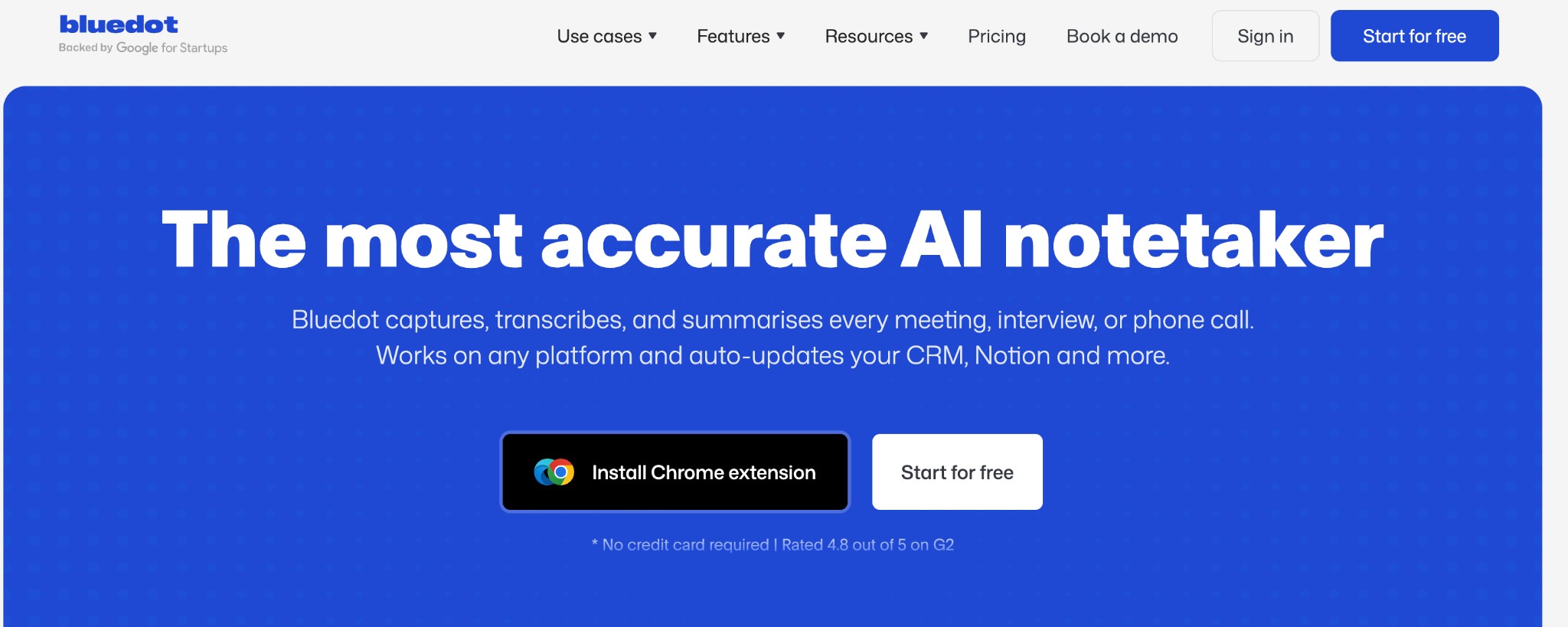
Bluedot is built with privacy and compliance at its core, making it ideal for industries like healthcare, law, or finance where sensitive data is the norm. Unlike many competitors, it records locally through a browser extension — no visible meeting bots, while still delivering highly accurate transcripts and summaries.
Pros
✅ Excellent choice for companies that handle sensitive or regulated information.
✅ Bot-free model keeps meetings private and professional.
✅ High accuracy makes it reliable for technical and legal contexts.
Cons
❌Not budget-friendly for small teams or freelancers.
❌Fewer integrations compared to mainstream AI note takers.
Pricing: Custom pricing on request; no widely available free tier.
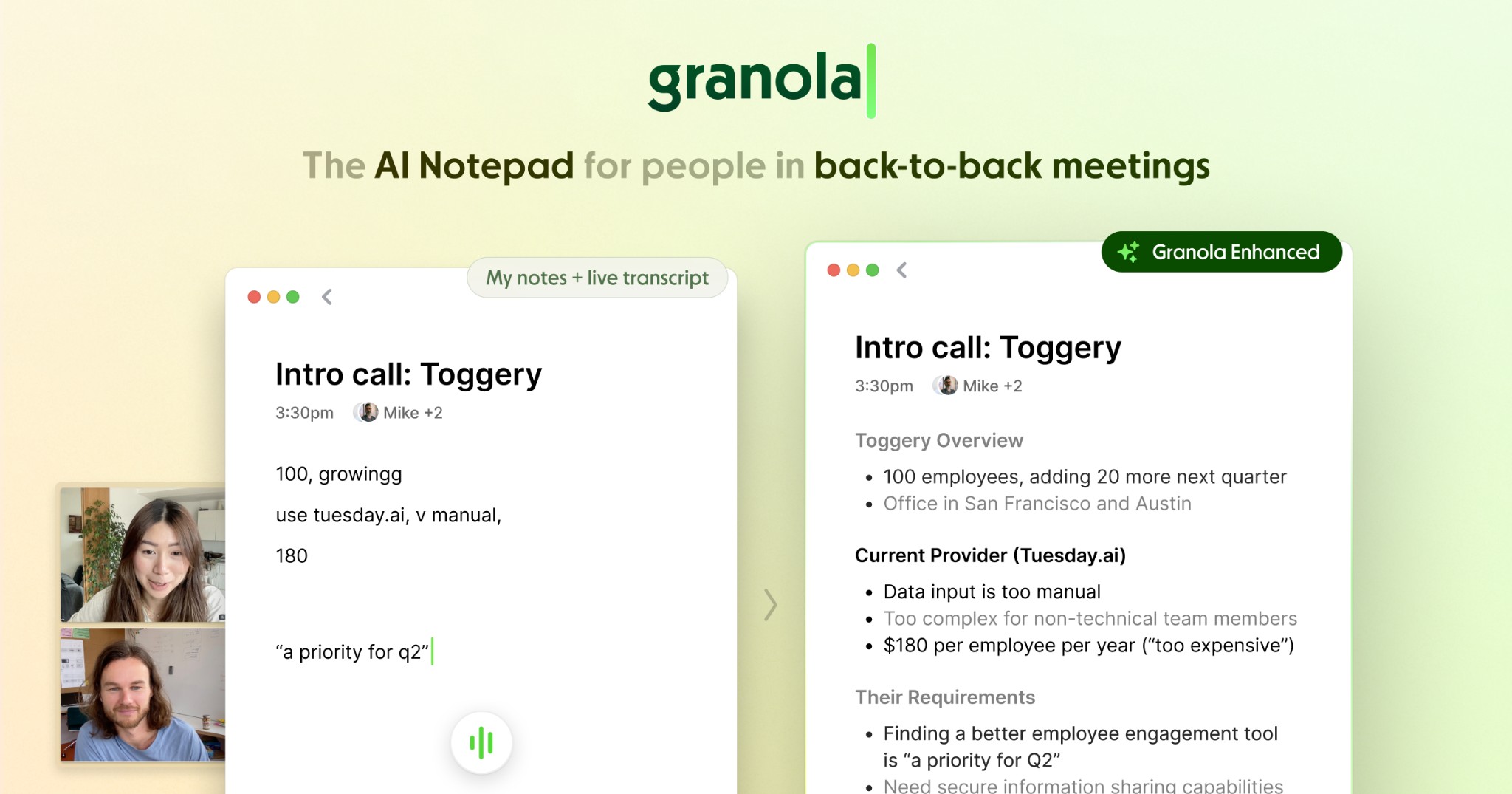
Granola is designed for professionals who prefer discretion. It quietly enhances your own notes with AI, rather than intrusively recording every detail, making it a great fit for executives, consultants, and one-on-one meetings where privacy matters.
Pros
✅Ideal for users who want a lightweight, discreet AI assistant.
✅Extremely simple to set up and use without technical expertise.
✅Summaries are concise, keeping meetings actionable without overwhelming detail.
Cons
❌ Limited integrations make it harder to use in larger teams.
❌ Best suited for individuals, not enterprise-level collaboration.
Pricing: Free tier available with limits; paid plans start at a moderate monthly fee.
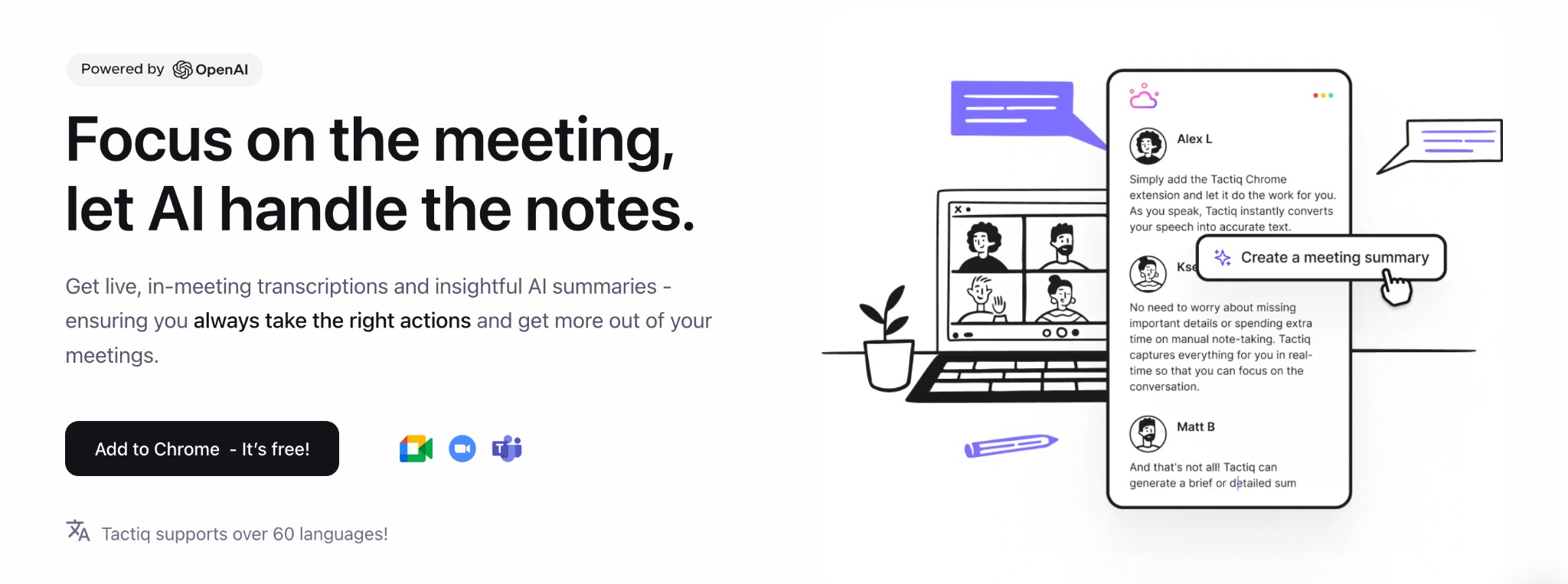
Tactiq caters to teams that need quick, browser-based transcripts and shareable highlights. Tactiq shines as a Chrome extension for real-time transcription.
Pros
✅ Fast, browser-based setup that’s accessible on any device.
✅ Highlight and clipping features are perfect for team recaps.
✅ Affordable entry-level pricing for small, agile teams.
Cons
❌Accuracy is lower than premium options like Krisp.
❌Limited feature depth compared to heavier enterprise solutions.
Pricing: Free plans available with limited transcripts; Pro plans start around $18/month.
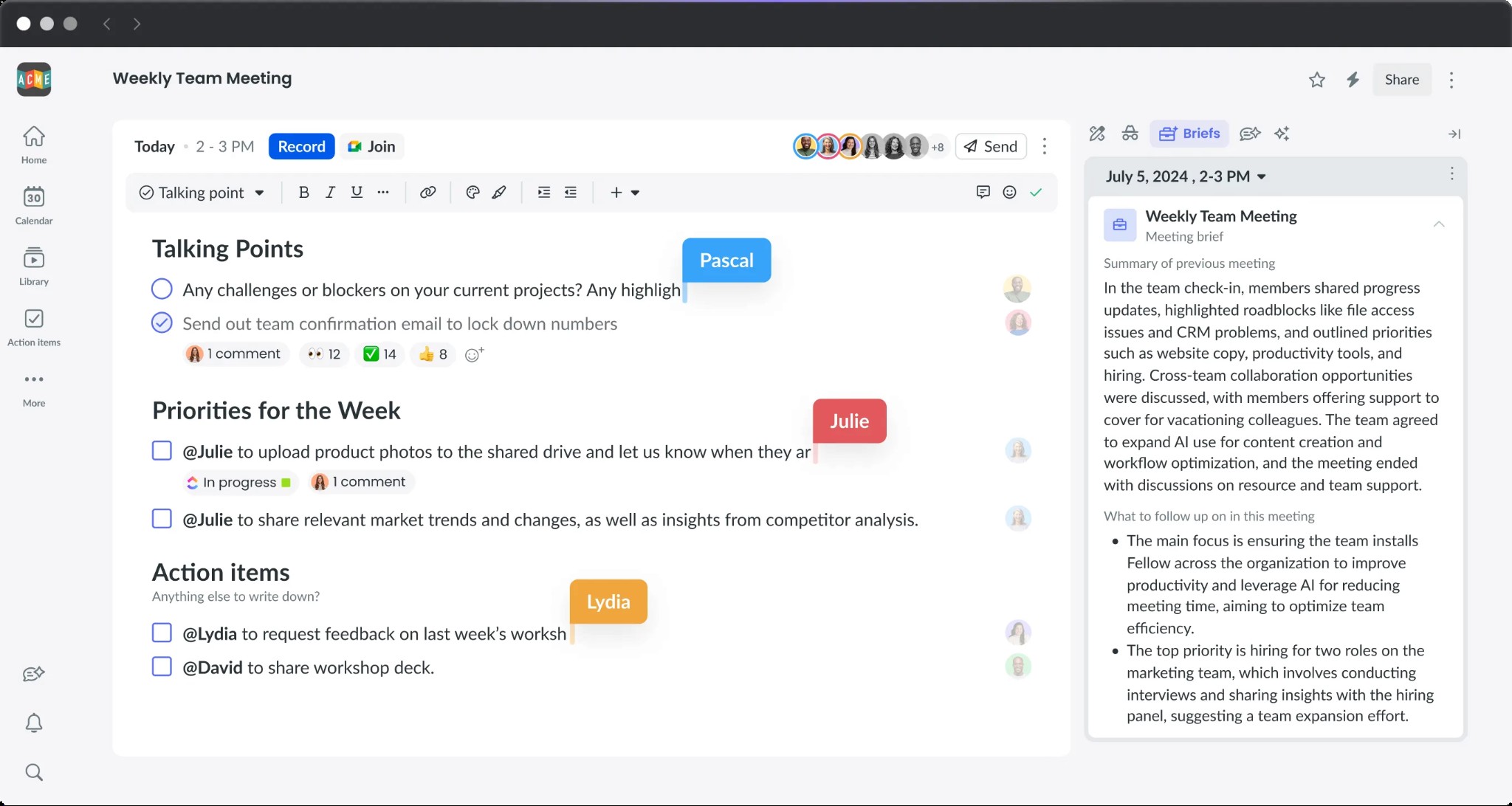
Fellow goes beyond note-taking by combining transcription and summaries with structured meeting management. Its enterprise-grade security and built-in agenda and action item tools make it a strong option for larger organizations that value governance and accountability.
Pros
✅ Excellent fit for enterprises that need compliance and structured workflows.
✅ Combines AI note-taking with project management features for deeper impact.
✅ Affordable base pricing makes it accessible for mid-sized companies.
Cons
❌ Not as appealing for freelancers or individuals with lighter needs.
❌ Slightly steeper learning curve than lightweight transcription apps.
Pricing: Paid plans start at ~$6/user/month; enterprise pricing is available.
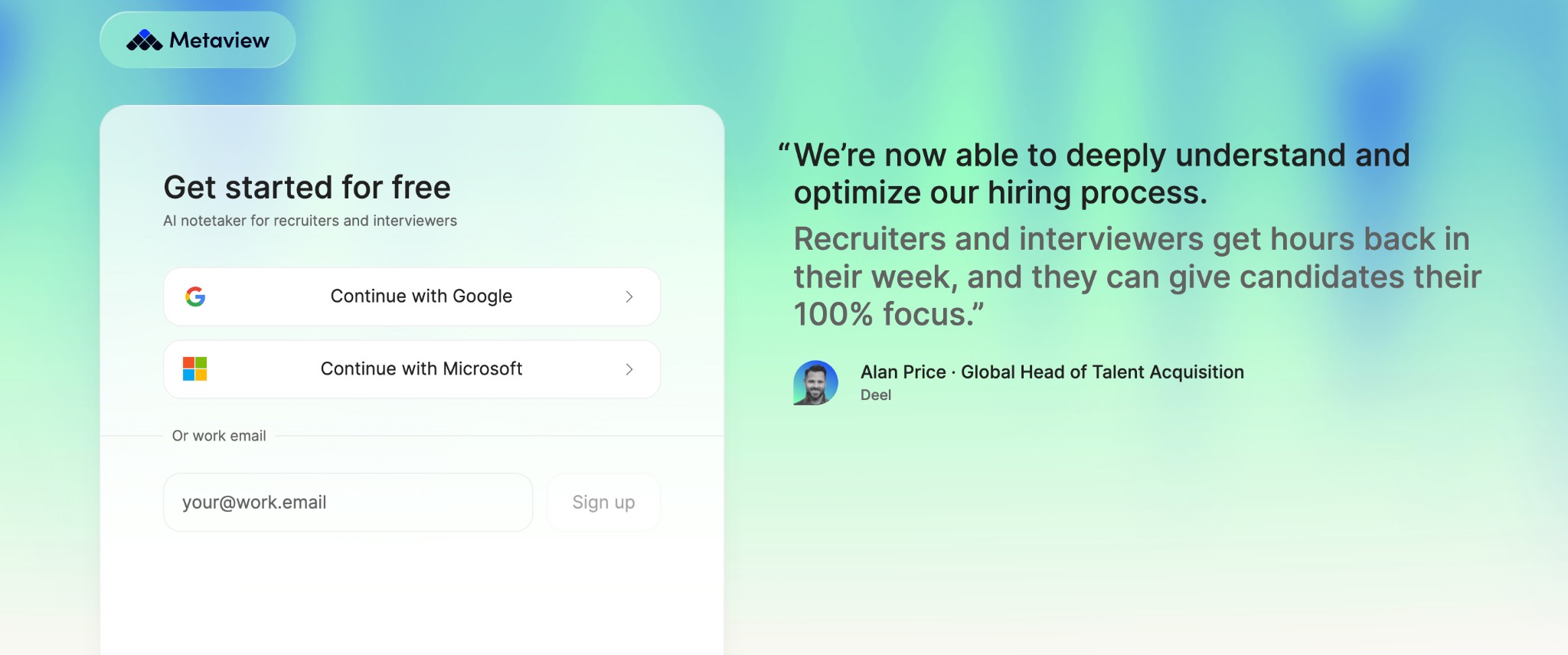
Metaview is purpose-built for recruitment teams, going beyond generic transcription by turning interviews into structured, ATS-ready notes. It automates documentation, integrates seamlessly with popular hiring platforms, and helps recruiters save hours each week while improving candidate evaluation consistency.
Pros
✅ Designed specifically for recruiters, not a repurposed general note taker.
✅ ATS integrations eliminate repetitive manual data entry.
✅ Demonstrated productivity gains with faster, clearer interview documentation.
Cons
❌ Niche tool — less relevant outside of hiring workflows.
❌ Higher cost (~$50/user/month Pro plan) compared to general AI note takers.
❌ May require onboarding for teams new to structured interview notes.
Pricing: Free tier includes 25 conversations/month with 14-day history; Pro plan at ~$50/user/month annually; Enterprise plan with advanced features and custom pricing.
The market for AI note takers has grown quickly, and many tools advertise similar features: transcription, summaries, and action items. But once you look closer, you’ll notice meaningful differences that can impact your daily workflow, team culture, and even compliance obligations. For remote teams, selecting the right tool is just as critical as adopting effective working from home tips to stay productive. Here are the most important factors to consider when making your choice:
Accuracy is the foundation of a useful note taker. If the transcripts are riddled with errors, summaries and action items won’t be reliable. Pay attention to how tools perform in different environments: do they handle strong accents, technical jargon, or background noise well?
Solutions like Krisp focus on improving accuracy through noise cancellation, while tools such as Fireflies and Otter may require cleaner audio conditions.
Some tools join your calls as a visible participant (e.g., Otter or Fireflies), which can sometimes make clients or colleagues feel monitored. Others, like Krisp, Jamie, or Bluedot, capture audio at the device level without a bot. If your organization handles sensitive conversations or you want meetings to feel natural, bot-free options may be more suitable.
The real value of an AI note taker often comes after the meeting. Check whether the tool integrates with your CRM, project management platforms, or team messaging apps. For example, MeetGeek offers thousands of integrations via Zapier and Make, while Fellow ties notes directly to agendas and project tasks. Strong integrations ensure that action items flow directly into your workflow instead of getting stuck in a PDF transcript.
Free tiers are helpful for individuals or testing, but they usually come with restrictions, like Otter’s 300 free minutes/month or Fireflies’ 800 minutes of capped storage. If your team relies on AI notes daily, you’ll likely need a paid plan to unlock unlimited transcriptions, advanced summaries, or admin controls. Costs can range widely: Krisp’s Pro plan starts around $16/month, while recruitment-focused tools like Metaview charge ~$50/month per user. Always consider scalability; what works for one person may be expensive at team level.
Global teams need tools that work across more than just English. MeetGeek supports 15+ languages, while Superpowered goes even further with coverage of 50+. In contrast, Krisp now offers transcription in 16 languages, like Spanish, French, German, Russian, Hindi, Korean, and more — great for multilingual meetings. If inclusivity is a priority, be sure your chosen tool covers the diverse languages and accents your team uses.
Meetings often cover sensitive topics from client contracts to financial strategies to intellectual property, so the way your AI note taker handles data is critical. Look for providers that are transparent about where data is stored, how long it’s retained, and who has access. Enterprise-focused tools like Fellow or Metaview advertise SOC 2 Type II and GDPR compliance, making them solid choices for large organizations. Bot-free apps such as Jamie keep things private by avoiding cloud-stored audio altogether. And if you want a balance of security and everyday usability, Krisp stands out as one of the best options, combining GDPR compliance, bot-free transcription, and advanced audio processing without forcing users to trade off privacy for productivity. For regulated industries, this factor often outweighs all others.
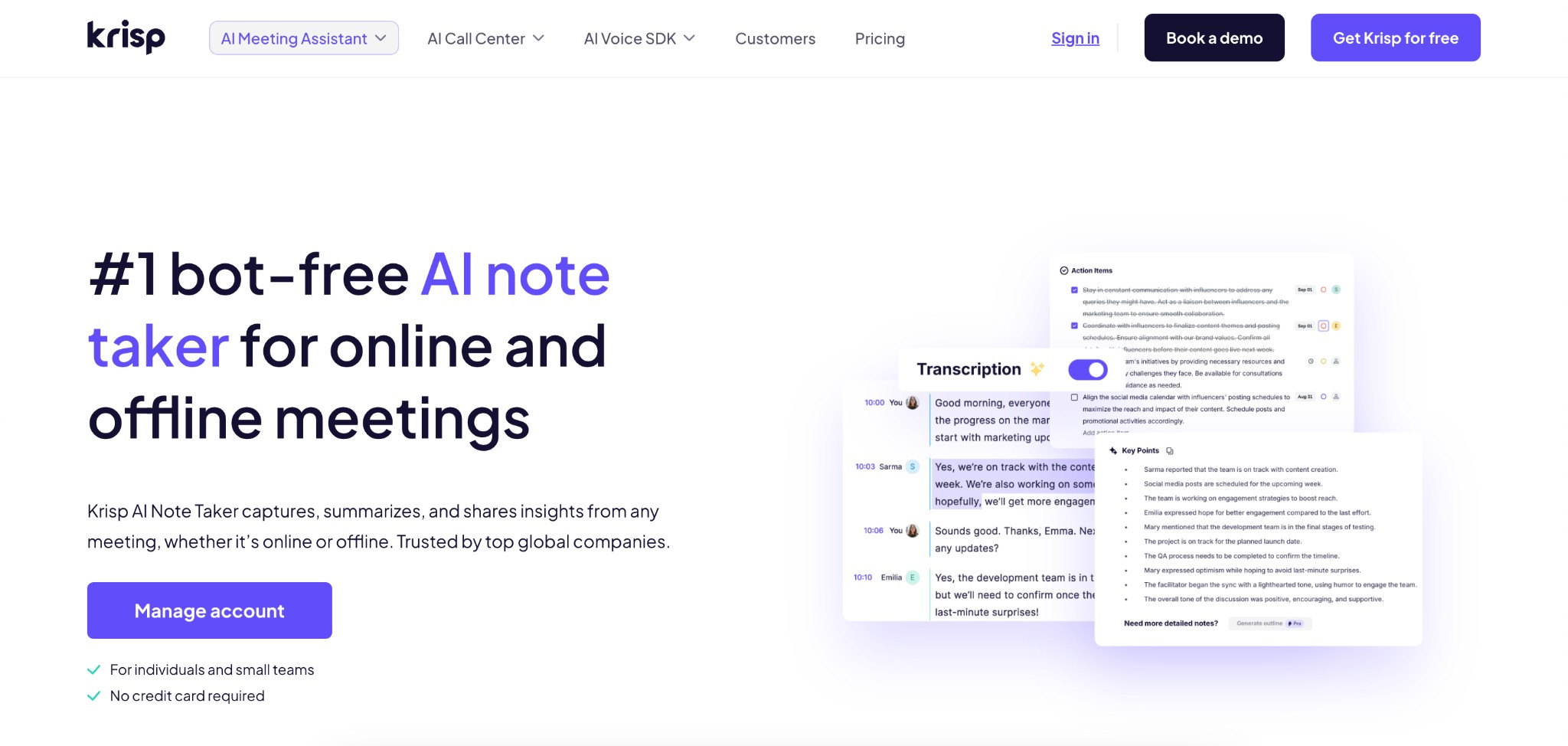
When it comes to AI note takers and meeting transcription software, Krisp stands out for more than one reason as a top AI Note Taker for meetings and productivity. Unlike many AI meeting assistants that join calls as visible bots, Krisp works quietly in the background, so your meetings stay natural and distraction-free.
Its standout features include:
Krisp doesn’t just deliver clarity as it adds intelligence. You get the benefit of perfect audio quality paired with smart features like automatic summaries, searchable transcripts, and quick recall of past conversations. That combination makes Krisp a powerhouse for anyone who wants to stay focused during calls and still walk away with accurate, actionable notes.
That said, the “best” tool is always the one that fits your specific workflow. Every team has different needs when it comes to integrations, pricing, language support, or compliance. That’s why it’s worth exploring the free tiers from several providers, testing them in real meetings, and seeing which one delivers the most value for you. By trying before committing, you’ll ensure that your AI note taker doesn’t just record your meetings, and it truly improves them.