We use cookies to improve the services we offer you. By continuing to browse this site, you consent to keep them in accordance with our Privacy Policy.
×We use cookies to improve the services we offer you. By continuing to browse this site, you consent to keep them in accordance with our Privacy Policy.
×
 132
132
 10 min

Not every creator records in a professional studio.
You might be filming in a bedroom with echo. Recording an interview in a hotel room. Shooting outdoors with traffic in the background. Or capturing spontaneous content on your phone.
Even in these conditions, audiences still expect clean, balanced, professional sound.
Research in audiovisual perception helps explain why.
In controlled experiments, where participants rated video clips with varying audio and visual quality, researchers found that changes in audio quality significantly influenced how people judged the overall video experience. In contrast, moderate changes in video quality had far less impact on how viewers perceived the audio.
In practical terms, this suggests that poor sound can lower the perceived quality of a video more noticeably than moderate visual imperfections.
If you want to improve video audio quality in 2026, upgrading your microphone is not always necessary.
In many cases, what makes the real difference is choosing the right video audio enhancer and building a workflow that supports your editing process.
Modern AI tools now make it possible to transform imperfect recordings into studio-like sound in minutes.
On YouTube, TikTok, online courses, and brand content, audio directly impacts:
Poor audio creates fatigue. Echo reduces clarity and makes speech harder to follow. Inconsistent speaker volume forces viewers to adjust their sound constantly, which breaks immersion.
Platform compression, especially on YouTube, often exaggerates existing problems. What sounds acceptable during editing can feel harsh and unprofessional after upload.
For this reason, many experienced creators focus on using a proper voice enhancer for video before investing in visual upgrades.
Clean sound builds authority and credibility.
There are two primary approaches to fixing bad audio in video content.
Upload your file, let the system process it, and download a cleaned version.
This approach works best when the recording environment creates significant issues such as echo, background hum, or distortion.
Use built-in tools to reduce noise, adjust equalization, and normalize levels without exporting your project.
This method works well for moderate corrections and streamlined workflows.
Most professional creators combine both approaches depending on how severe the audio issue is.
Below are some of the most reliable tools available today.
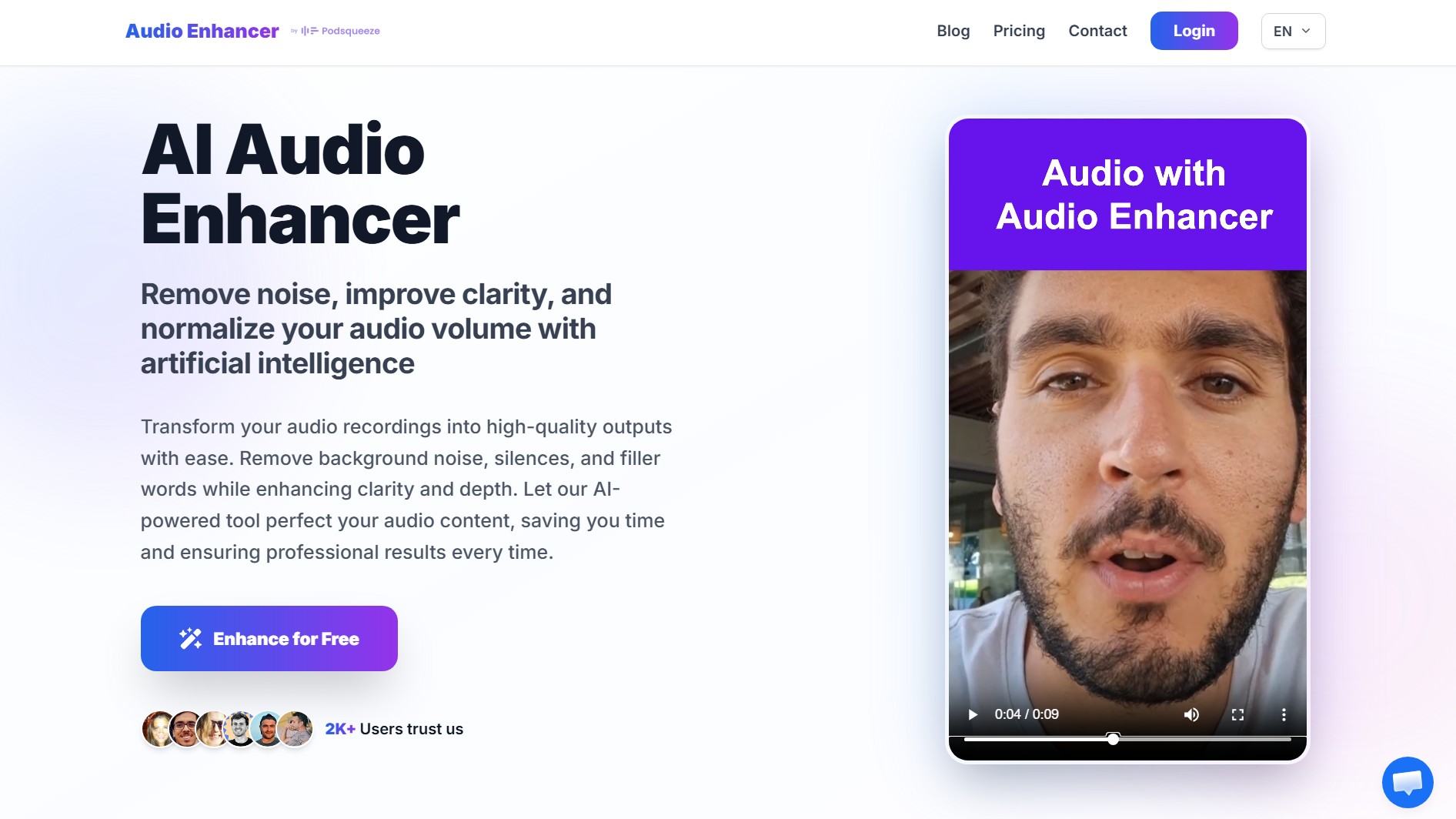
Best for: Creators who need a powerful yet simple video audio enhancer that can handle serious environmental issues without sacrificing natural voice quality.
Rather than aggressively rebuilding the voice, audioenhancer.com enhances the existing signal while correcting common recording problems.
This helps preserve the natural timbre of the speaker and avoids the metallic or robotic artifacts that can appear with heavily resynthesized AI audio.
It performs well even in difficult real-world scenarios, including:
Creators recording in home offices, coworking spaces, hotel rooms, or untreated rooms can significantly improve video audio quality in just a few minutes, even when the original environment was far from ideal.
It is not designed to reconstruct severely degraded or heavily compressed audio such as low-bitrate phone calls where speech detail has been permanently lost.
However, for most real-world creator scenarios, including challenging acoustic conditions, it delivers consistent, natural, production-ready results.
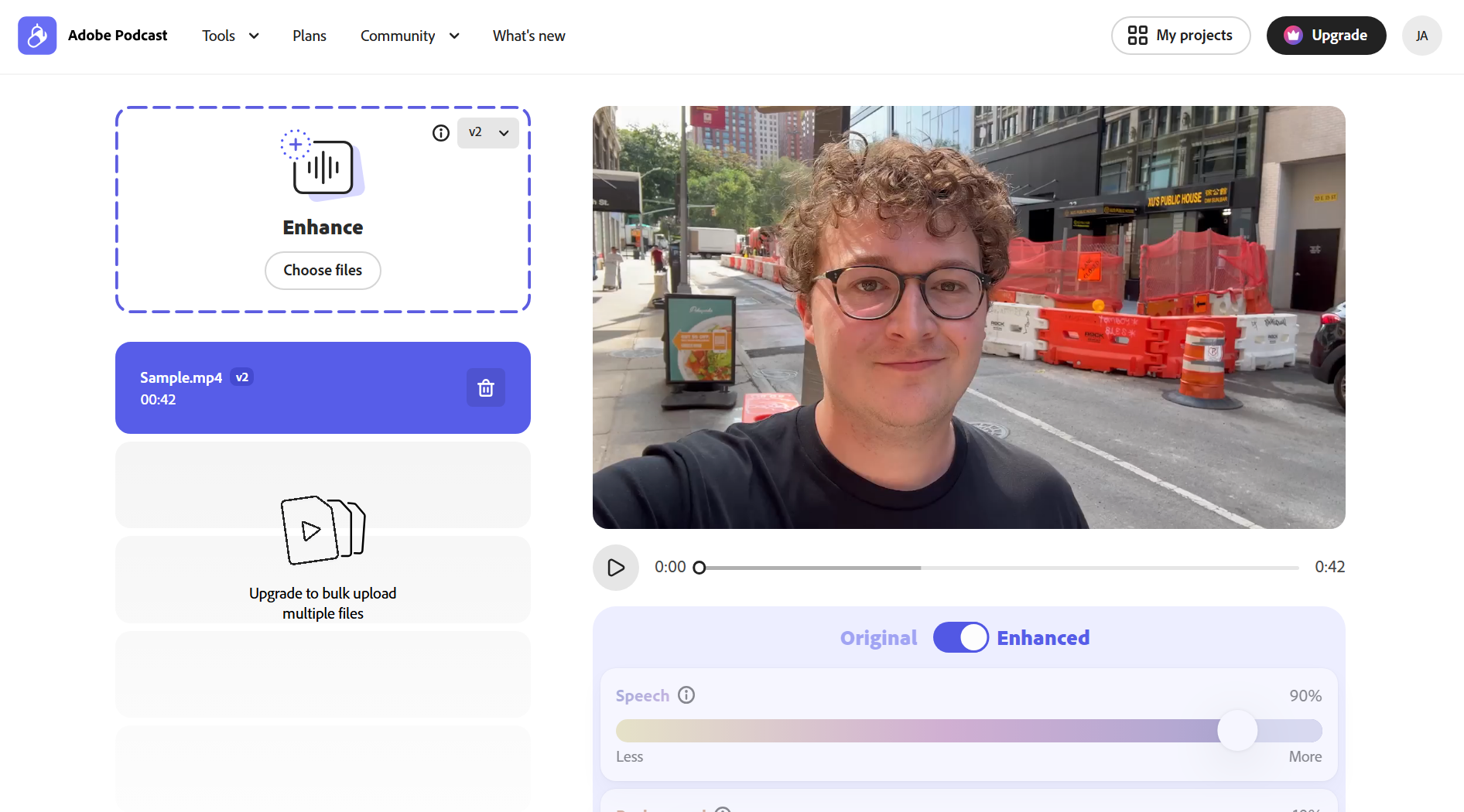
Best for: Severely damaged recordings where clarity matters more than tonal nuance.
Adobe’s Speech Enhancer relies on AI voice resynthesis. Instead of simply filtering noise, it partially reconstructs the voice signal.
This makes it extremely powerful in rescue situations such as:
It can transform poor recordings into surprisingly clean dialogue.
Because the system rebuilds portions of the voice, it may introduce artifacts such as slight metallic tone or subtle robotic texture.
For social media content, short-form videos, or urgent fixes, this approach can be very effective. For premium storytelling or emotionally nuanced productions, reviewing the processed result carefully is recommended.
The interface allows you to adjust the strength of the audio treatment, giving you control over potential processing artifacts. However, this feature, along with video processing, is only available in the premium paid version.
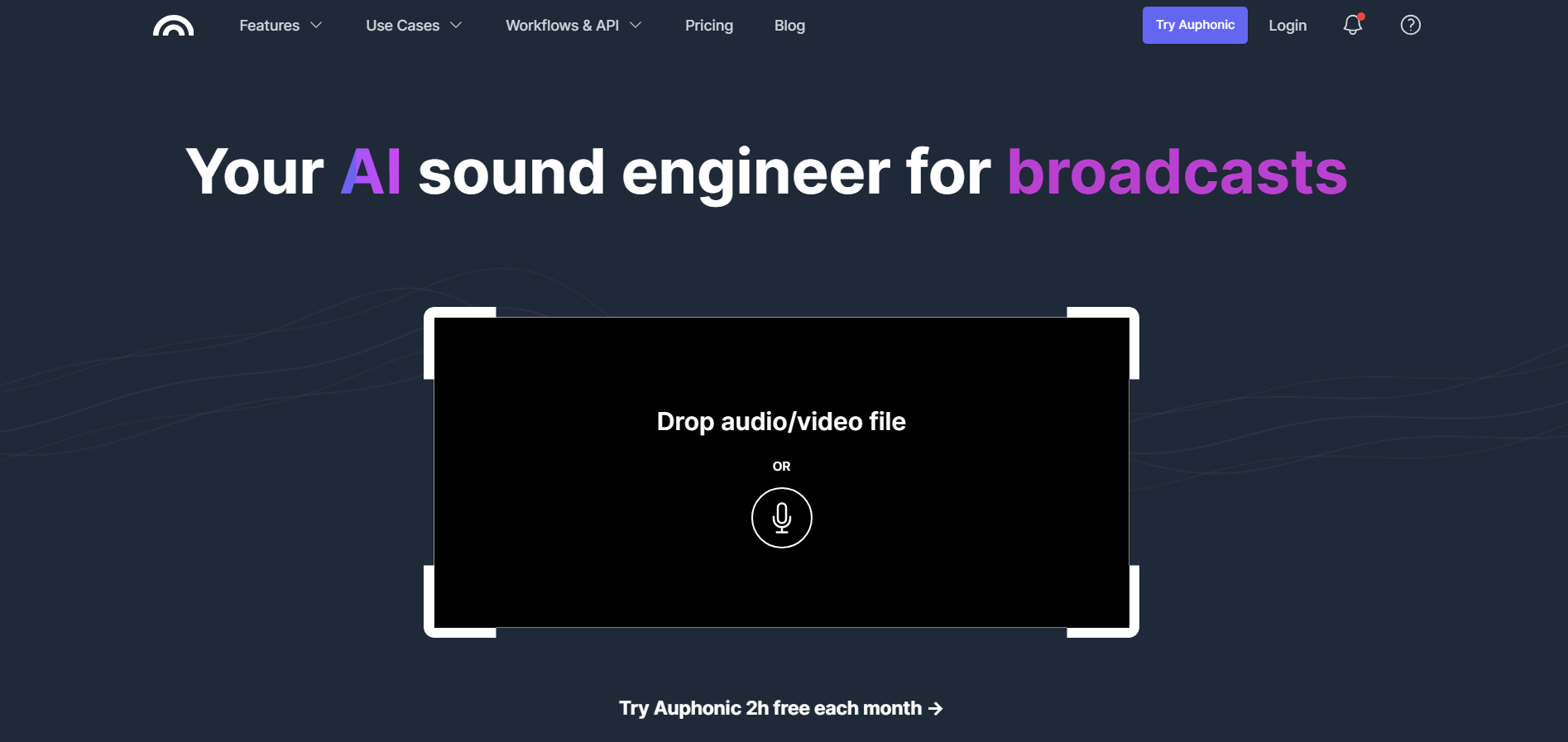
Best for: Creators and teams who want consistent, platform-ready audio with technical control and minimal artificial artifacts.
If your audio is reasonably clean but inconsistent, Auphonic offers a highly reliable way to improve video audio quality while preserving the natural character of the voice.
It has earned a strong reputation among podcasters and audio professionals for its focus on technical precision rather than artificial reconstruction.
Instead of reshaping the voice, Auphonic optimizes the original recording through controlled mastering and intelligent level management.
It specializes in:
In practice, Auphonic delivers remarkable consistency across episodes. Voices feel balanced, dynamics remain controlled, and the overall sound stays honest and human. It does not try to create dramatic transformations. Instead, it refines what is already there.
When the main issue is uneven levels, inconsistent dynamics, or maintaining broadcast-ready standards, Auphonic is often the most natural and technically sound choice.
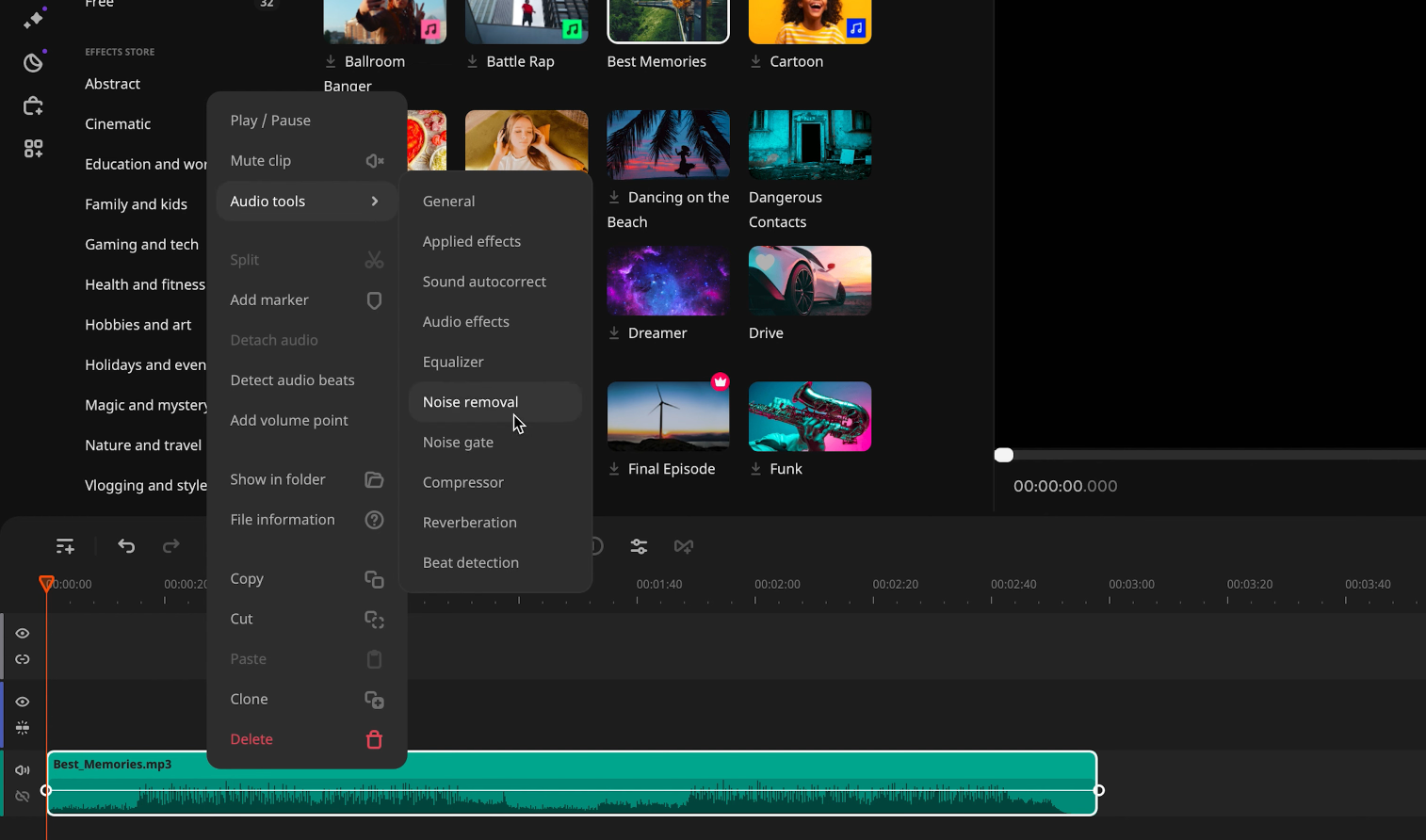
Best for: Creators who prefer fixing audio directly inside their video editor and value workflow efficiency alongside sound quality.
Unlike the other video audio enhancers mentioned above, Movavi’s audio tools live directly inside a full video editor. Instead of uploading your file to a separate platform and re-importing the processed version, you can improve sound quality within your editing timeline.
Movavi Video Editor includes built-in tools that allow you to:
This makes it especially practical when dealing with moderate issues such as background noise, uneven dialogue levels, or music that overpowers speech.
Rather than performing heavy voice reconstruction, Movavi focuses on giving you control. You can clean dialogue, rebalance scenes, and fine-tune dynamics without leaving your project.
For many YouTube creators, educators, and brand content producers, that integrated workflow is more efficient than exporting to a standalone video audio enhancer.
It may not replace specialized tools in extreme acoustic scenarios, but for everyday production needs, it offers a streamlined and reliable way to improve video audio quality.
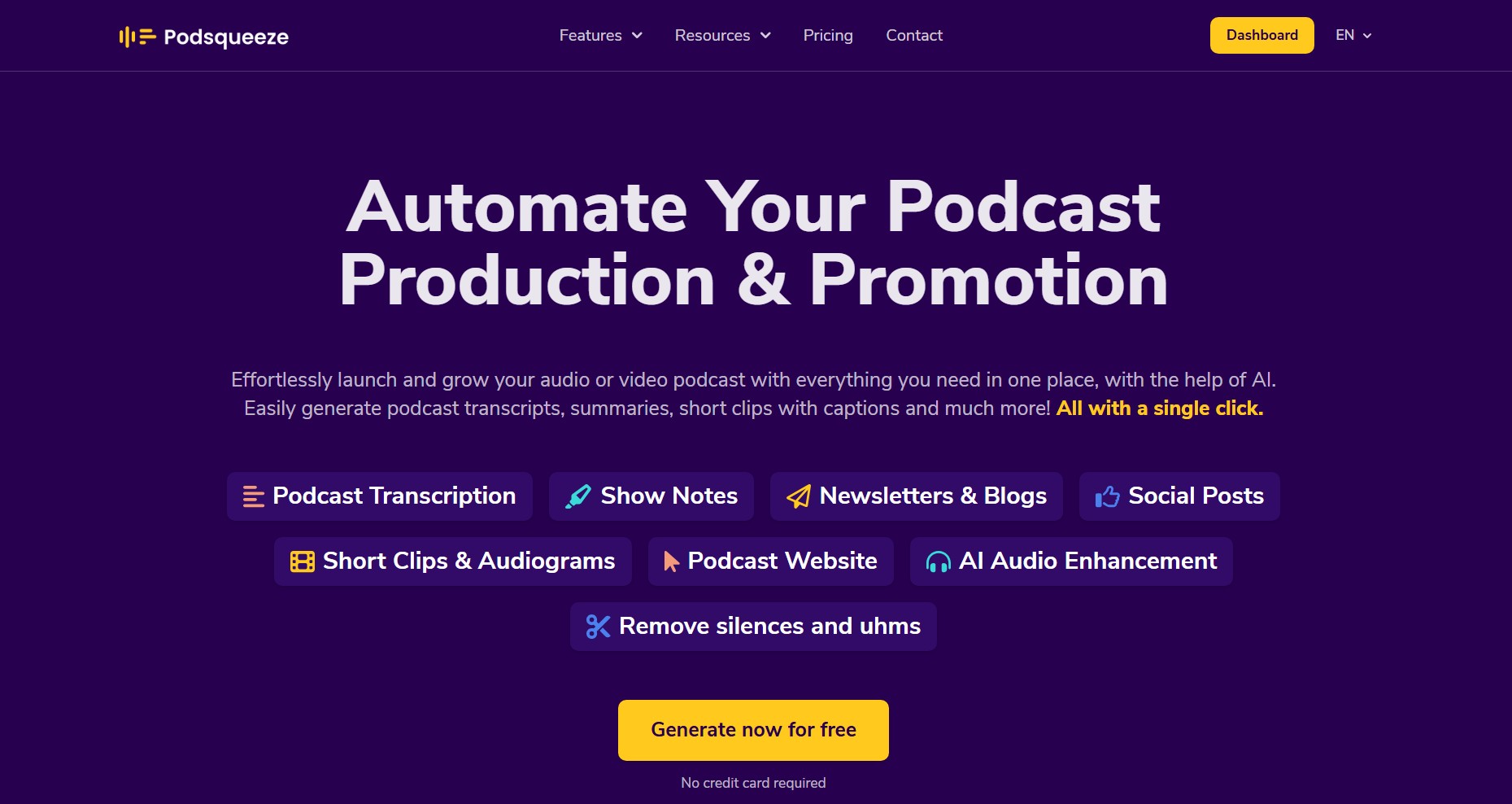
Best for: Podcasters and recurring interview creators who need reliable audio enhancement optimized for spoken-word video content.
For creators producing podcast-style or interview-based video content, Podsqueeze includes a built-in audio enhancer designed specifically for spoken-word productions.
Its audio processing focuses on improving clarity while preserving the natural tone of the voice. Instead of aggressively reconstructing speech, it enhances the original recording and handles common real-world issues such as:
This makes it particularly strong for multi-speaker interviews where guests may be using different microphones or recording from different environments. The system automatically balances dialogue and maintains intelligibility across the entire episode, helping long-form content feel cohesive and professional.
Unlike standalone video audio enhancers, Podsqueeze integrates this audio improvement into a broader podcast workflow.
It also offers transcription, text-based editing, and automatic short clip creation, but its audio enhancement remains a core component for creators publishing recurring spoken content.
If you only need to clean an occasional video file, a dedicated enhancer may be simpler.
However, for podcasters and interview-driven YouTube channels producing content regularly, Podsqueeze provides consistent audio improvement tailored to dialogue-heavy formats.
There is no universal solution. The best choice depends on several practical factors:
In many cases, creators combine tools rather than relying on a single one.
Here is a more realistic breakdown.
If you are dealing with moderate background noise or small level imbalances, cleaning audio directly inside Movavi is often sufficient and keeps your workflow simple.
If room echo, clipping, or heavy noise becomes more noticeable, a dedicated video audio enhancer like AudioEnhancer.com can deliver stronger correction.
For multi-speaker conversations where consistency is the main challenge, Auphonic is strong for leveling and precise adjustable loudness normalization.
If you publish interviews regularly and also need transcripts and short clips, Podsqueeze becomes more efficient as part of a repeatable workflow.
When clarity is severely compromised, Adobe Speech Enhancer can provide aggressive recovery.
If you want a cleaner result without heavy voice reconstruction, AudioEnhancer.com may offer a more natural alternative.
Prioritize good recording practices first.
Use enhancement tools when necessary rather than by default.
Edit and fine-tune inside Movavi to maintain control over the timeline.
If you publish long-form spoken content frequently, platforms Podsqueeze can streamline both audio improvement and content repurposing.
Studio-quality sound is no longer limited to professional studios.
With the right video audio enhancer, you can:
The key is understanding your workflow and choosing the solution that matches your specific recording conditions.
When your audience takes your content seriously, your audio should support that perception.
Achieving studio-level sound is entirely possible today, even if your recording space is a simple bedroom setup.