We use cookies to improve the services we offer you. By continuing to browse this site, you consent to keep them in accordance with our Privacy Policy.
×We use cookies to improve the services we offer you. By continuing to browse this site, you consent to keep them in accordance with our Privacy Policy.
×
 109
109
 16 min
A traditional fashion shoot needs models, a photographer, a studio, lighting, and hours of editing before a single product goes live. For a small label refreshing a catalog every season, that’s slow and expensive. AI fashion photography tools change the math: you upload a garment or a flat product photo, and the software generates on-model images, clean backgrounds, and campaign-ready visuals in seconds.
This matters more than it might sound. Roughly nine in ten online shoppers say the quality of product images shapes what they buy, so weak visuals quietly cost you sales. The opportunity is large, too. McKinsey estimates that generative AI could add up to $275 billion in operating profit to the apparel, fashion, and luxury sectors over the next three to five years, and in its State of Fashion 2026 report executives name AI as their single biggest opportunity for the year.
In this guide, we’ve rounded up seven of the best AI tools for fashion brands, covering both on-model generators and product-photo enhancers. For each one, you’ll get the key features, real pricing, who it suits, and the trade-offs, plus a short framework to help you choose.
| Tool | Best for | Starting price | Free option |
| WearView | All-in-one on-model photography | $29/month | None |
| VModel.ai | Pay-as-you-go and API | Pay-per-use | $10 free credits |
| Mokker AI | AI backgrounds & lifestyle scenes | $13/month | Free (20 photos) |
| Photoroom | Marketplace and mobile editing | $7.50/month (annual) | Free (250 exports/mo) |
| Claid.ai | API enhancement and upscaling | $9/month | Free trial (50 credits) |
| Pebblely | Budget product backgrounds | $9/month | Free trial |
| Flair.ai | Visual art direction | $8/month | Free (5 images) |
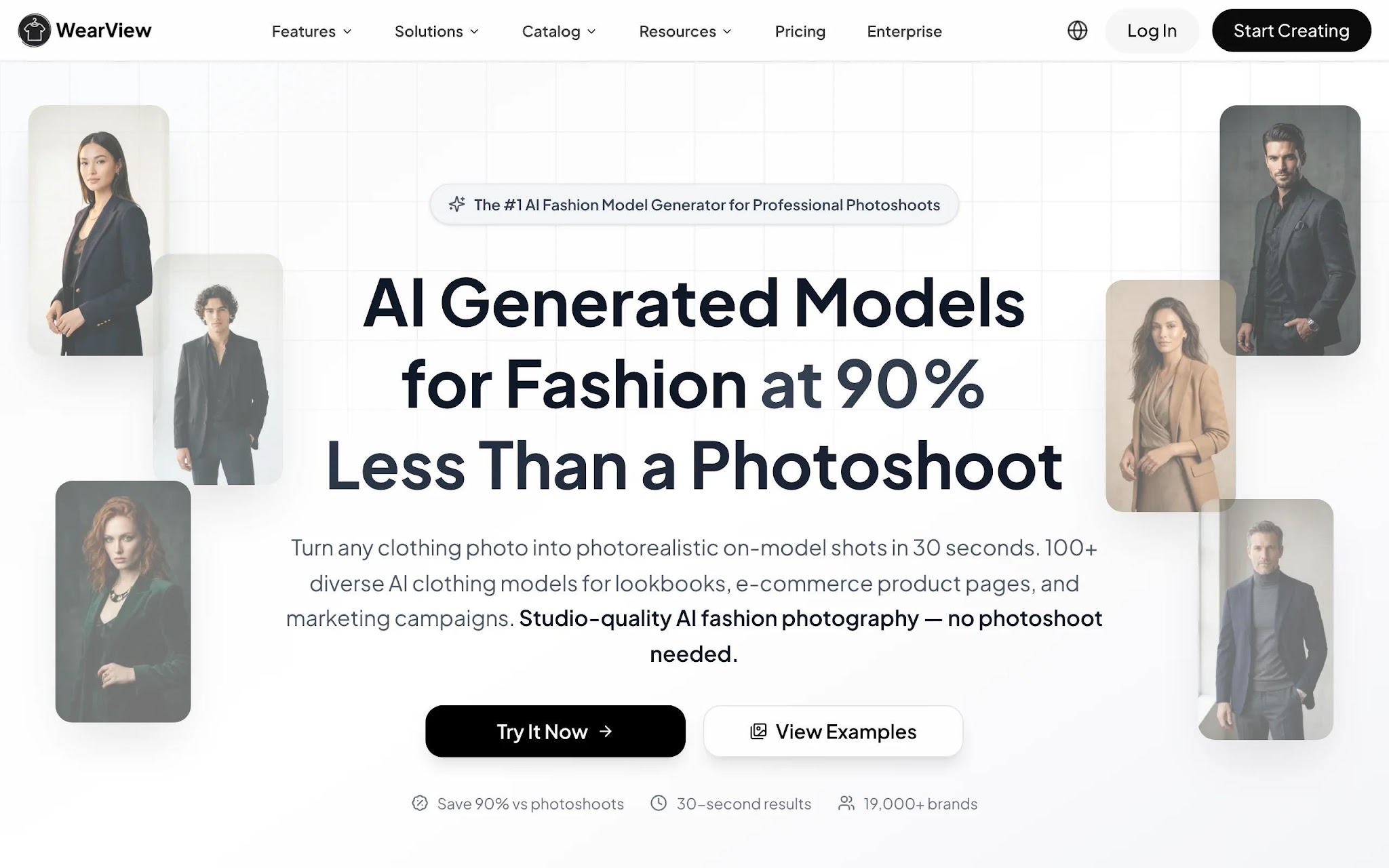
WearView is an AI fashion photography platform built around on-model imagery. You upload a flat-lay, ghost mannequin, or packshot, choose an AI model across different ethnicities, body types, and age groups, and describe the background or setting you want. The product-to-model tool returns professional on-model photos in under 15 seconds, with output up to 4K and full commercial usage rights.
Beyond product-to-model, the platform bundles virtual try-on, AI model creation from text prompts, consistent model identity so the same face carries across a campaign, pose control from reference images, ghost mannequin generation, model swap, and short AI fashion video. That breadth is the main reason it suits brands that want one workspace instead of stitching several single-purpose apps together.
Key features
Best for
Pricing
Pros
Cons
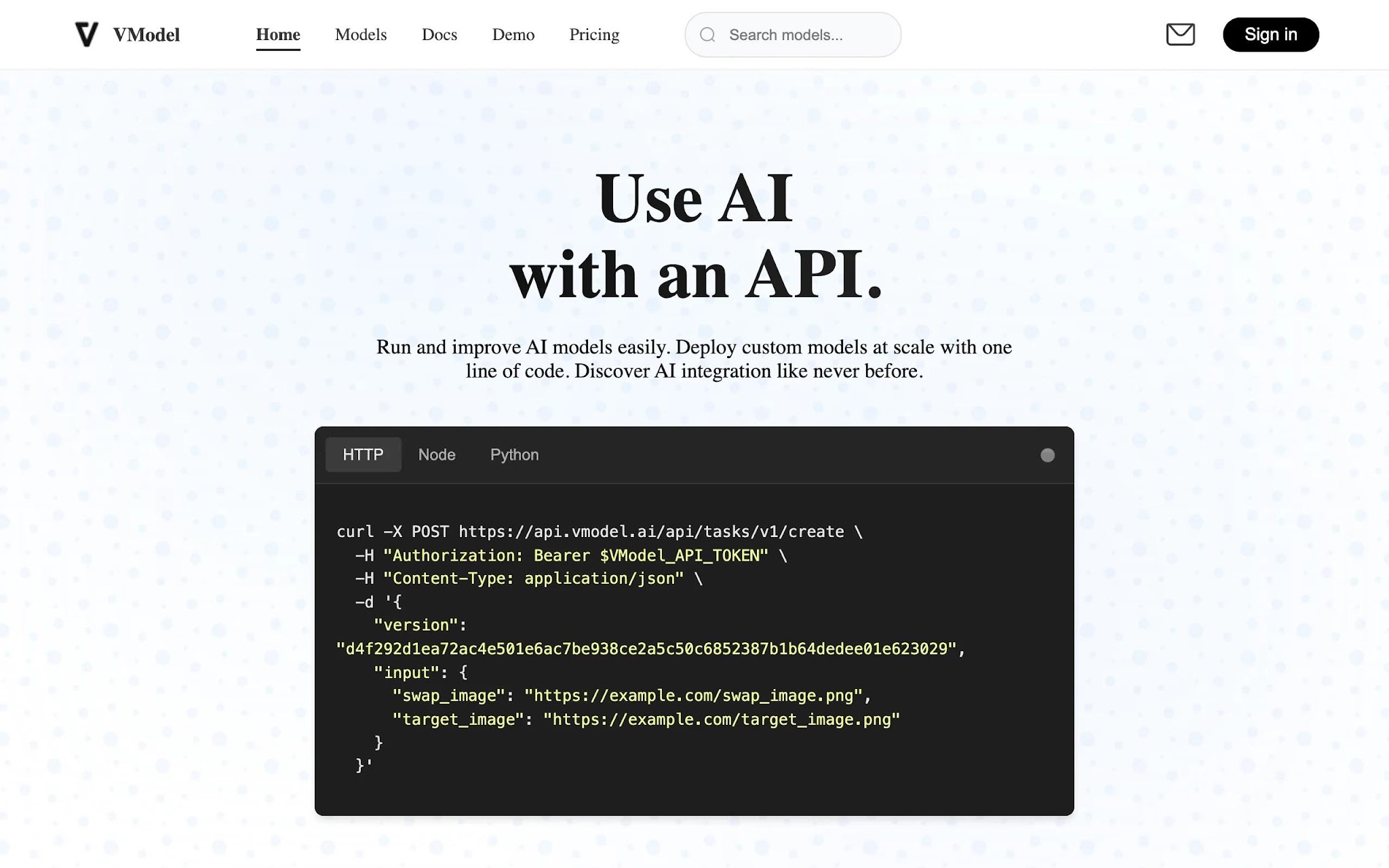
VModel.ai takes a different commercial approach: instead of a monthly subscription, you buy credits that never expire and spend them when you need them. New accounts start with $10 in free credits, which is enough to trial the on-model generation and try-on features without committing a budget. It’s API-first, so it slots neatly into a developer’s workflow.
The platform turns mannequin and flat product photos into on-model images and lets you adjust ethnicity, skin tone, and pose. Because it serves both brands and consumer try-on use cases, it’s less specialized than a pure brand tool, but the pay-as-you-go model is a strong fit when your photography needs are seasonal or unpredictable.
Key features
Best for
Pricing
Pros
Cons
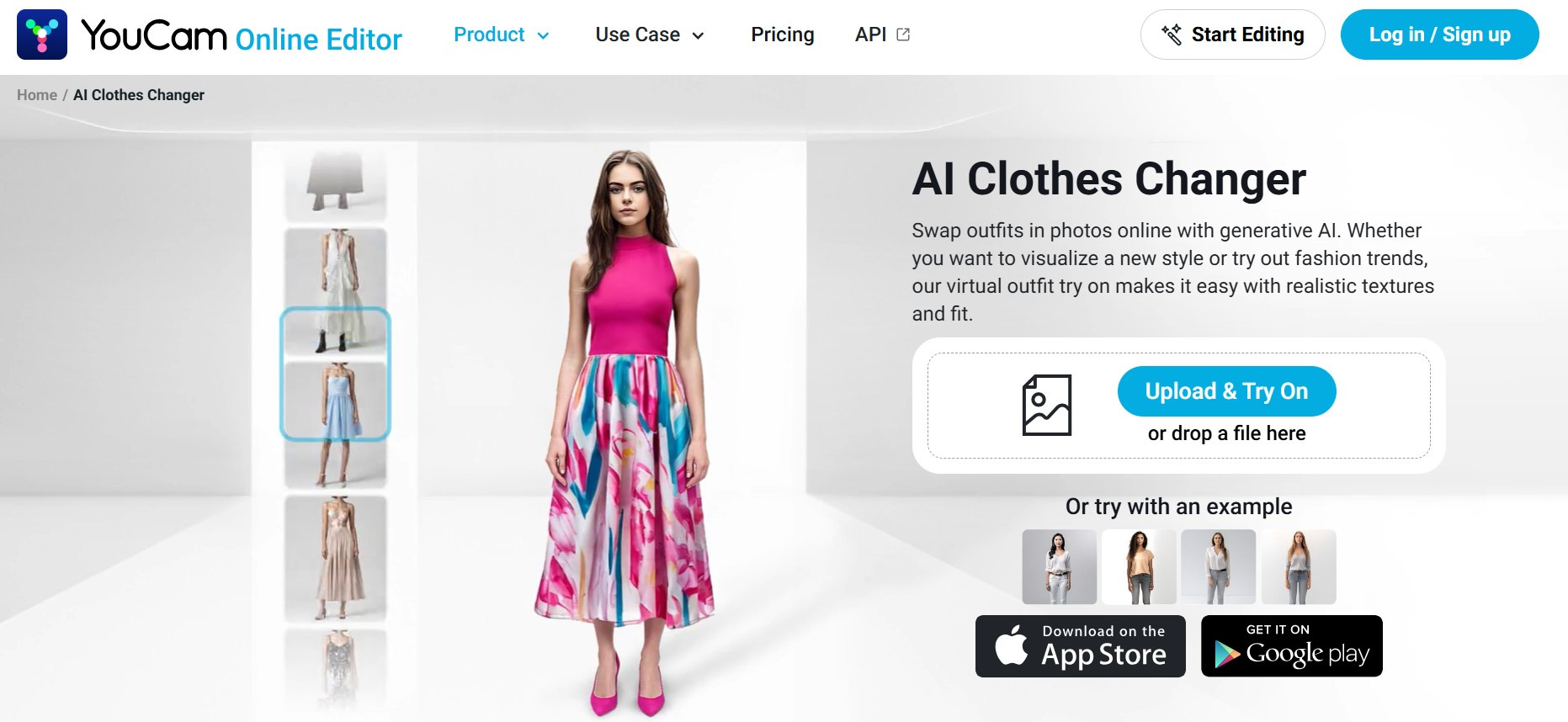
YouCam Online Editor is an AI-powered creative tool that helps fashion brands produce high-quality campaign and e-commerce visuals without the cost and logistics of traditional photoshoots. One of its standout capabilities is AI Clothes Virtual Try-On, which allows users to upload a model image alongside a target apparel image to generate realistic photos of the model wearing the selected outfit. This enables brands to visualize products on different models quickly, test multiple styling concepts, and create marketing assets at scale.
For fashion teams working with tight timelines and budgets, YouCam Online Editor streamlines content production by reducing the need for repeated sample shoots and extensive post-production. Whether creating lookbook imagery, product detail pages, social media creatives, or localized campaigns, brands can rapidly generate diverse fashion visuals while maintaining a consistent brand aesthetic.
Key features
Best for
Pricing
Pros
Cons
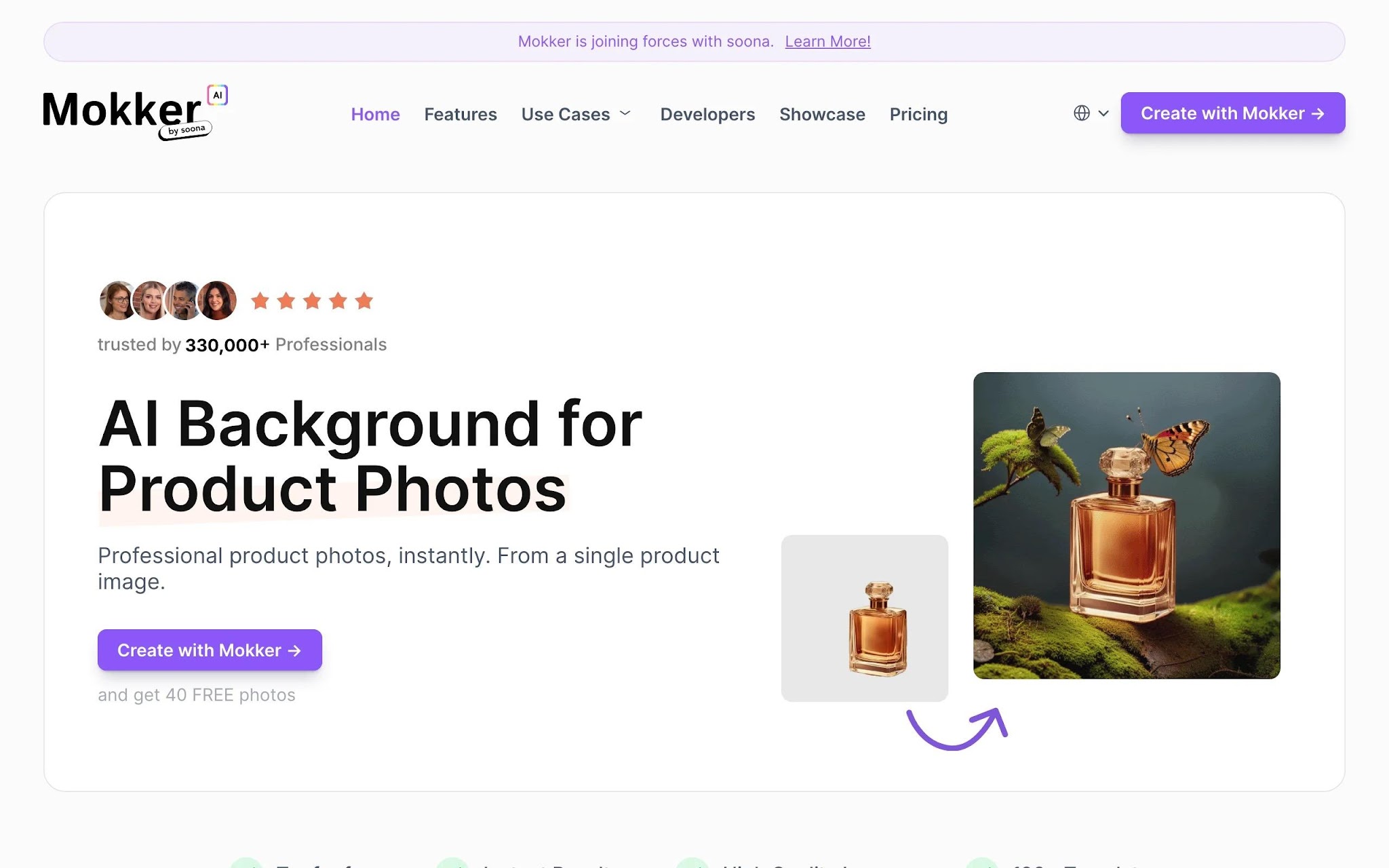
Mokker AI (now part of soona) takes a focused approach: it turns a single product photo into pro-like studio and lifestyle scenes by removing the original background and generating realistic new ones. You upload a product image, pick from over 100 categorized templates, and get multiple background options with believable shadows and lighting. For fashion, it works best on flat product shots, accessories, and packshots rather than full on-model looks.
It’s built for speed and volume, with high-quality exports and no watermark even on the free trial. If your catalog leans on clean, attractive product backgrounds rather than people wearing the clothes, it’s an efficient and affordable option.
Key features
Best for
Pricing
Pros
Cons
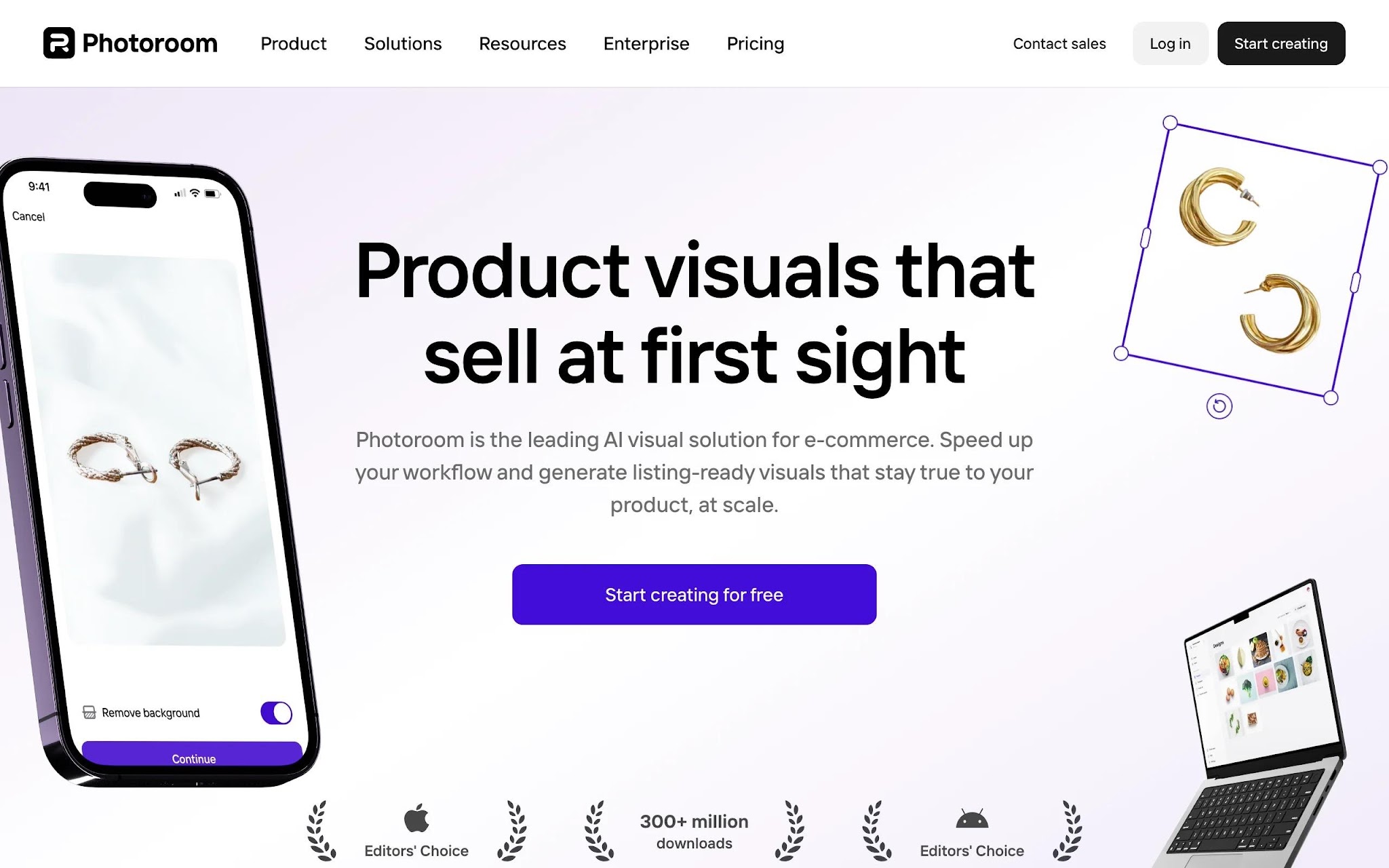
Photoroom is best known for instant background removal, and it has grown into a broad product-photo studio with AI backgrounds, virtual models, ghost mannequin effects, and AI shadows. With strong iOS and Android apps plus batch editing, it’s the most mobile-friendly option here, which is why marketplace and resale sellers lean on it. Good lighting still helps your source photos, especially for golden hour photography.
The generous free plan, with 250 exports a month, lets you get real work done before paying, and the paid tiers scale with batch volume. It is less of a dedicated fashion-model generator than WearView, but for clean catalog and listing images at speed it is hard to beat.
Key features
Best for
Pricing
Pros
Cons
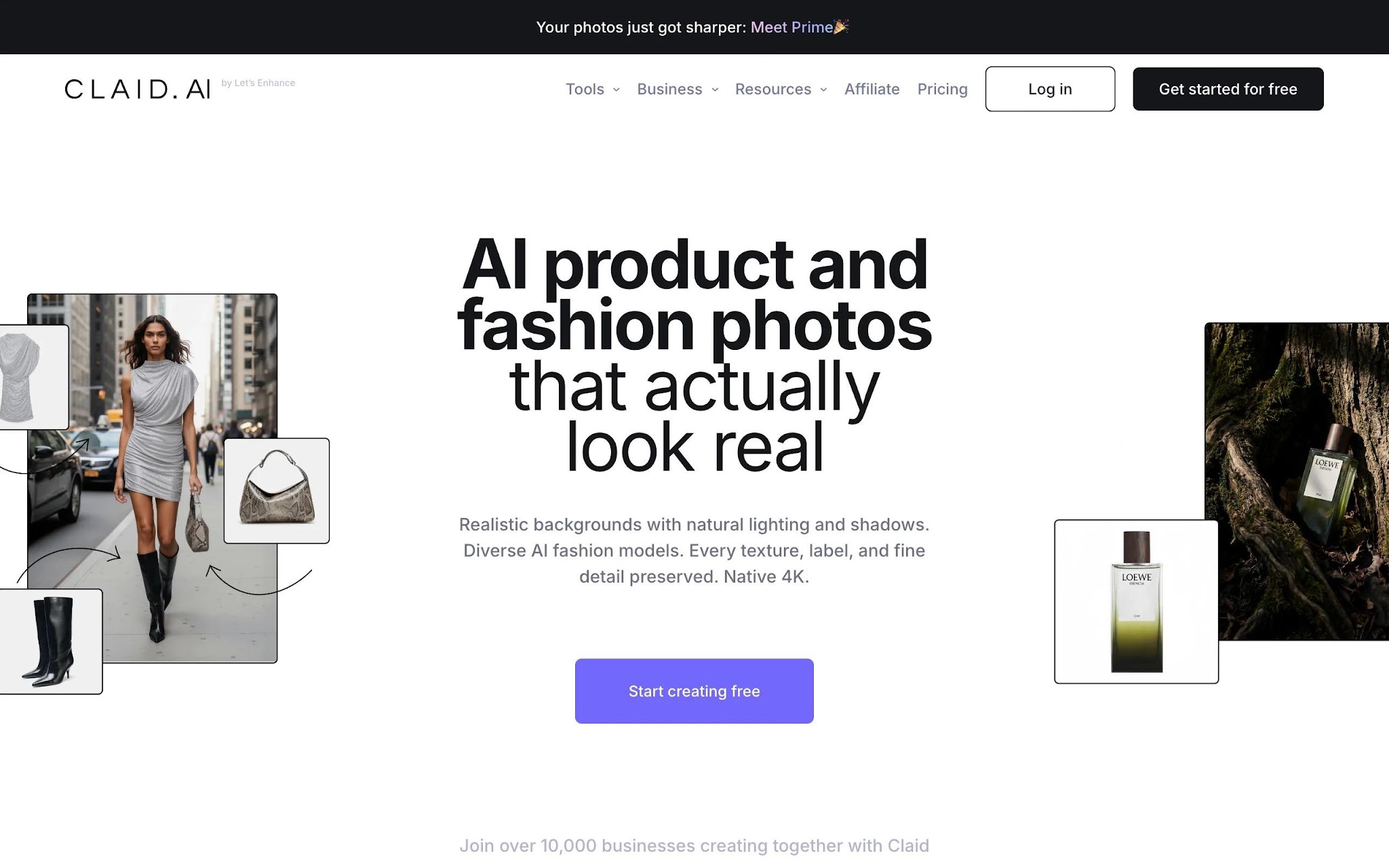
Claid.ai is an AI image platform aimed at generating, enhancing, and editing product photos, with a strong API for teams that want to automate. Its toolkit covers AI photoshoot generation, background removal and replacement, upscaling, AI fashion model variations, image-to-video, and outpainting. If you process large batches and care about consistent, high-resolution output, the enhancement and upscaling tools are the highlight.
It’s more of a developer and operations tool than a point-and-click app, which is both its strength and its limit. Smaller brands may find the interface less intuitive than Photoroom or Pebblely, but the API access on the Professional plan makes it a practical engine behind a storefront.
Key features
Best for
Pricing
Pros
Cons
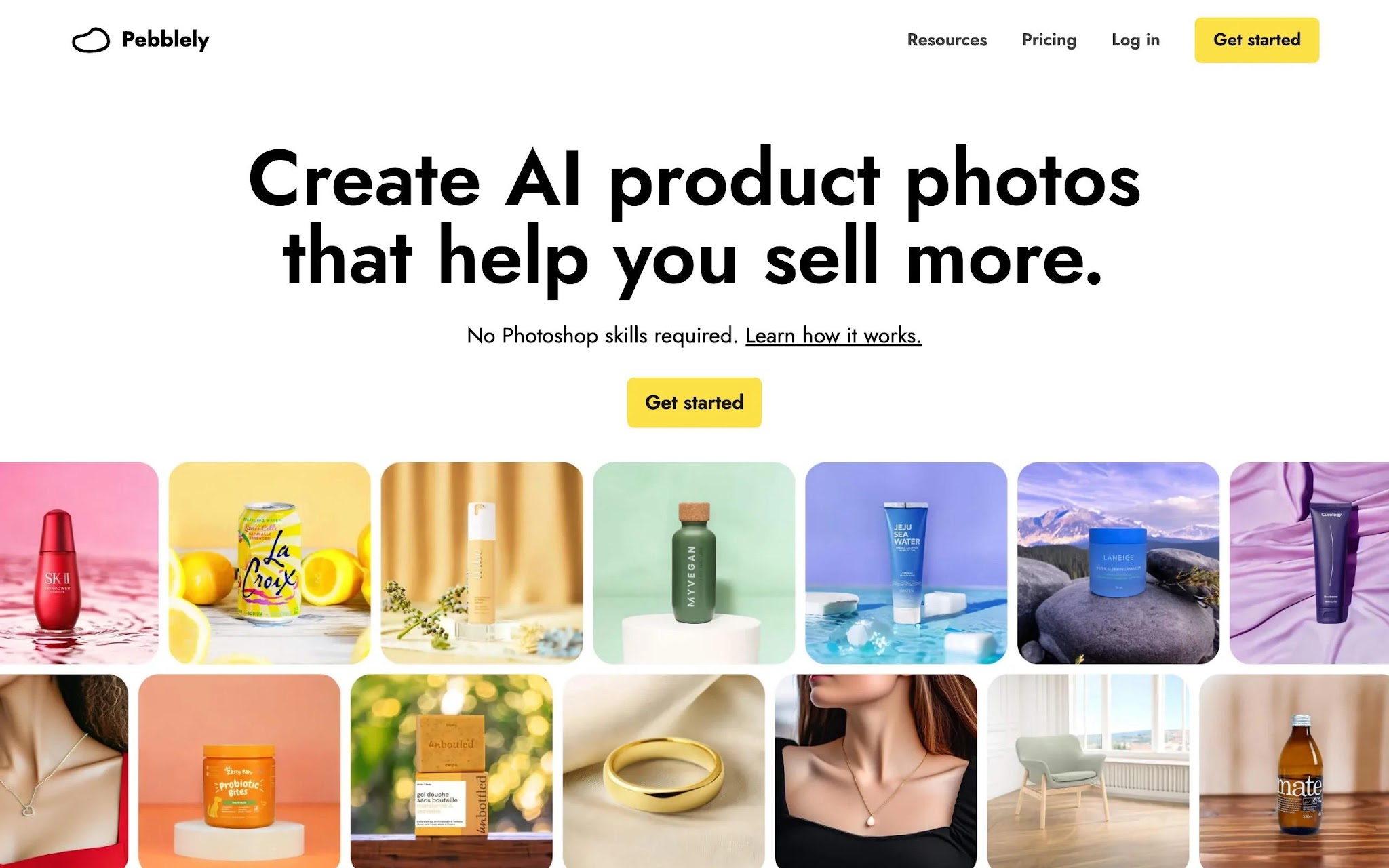
Pebblely keeps things simple: pick from 40+ background themes or write a custom prompt and get clean product photos in seconds. It has generated more than 25 million images, and its appeal is speed and price rather than deep fashion-model features. For a solo brand that mainly needs attractive, on-brand backgrounds, it does the job without a steep learning curve.
Bulk generation on the higher plans helps when you have a batch of new SKUs to shoot. It is not built for full on-model campaigns, so pair it with an on-model tool if that is what you need, but as an affordable product-photo workhorse it is a solid pick.
Key features
Best for
Pricing
Pros
Cons
Flair.ai gives you more creative control than most tools on this list through a drag-and-drop canvas where you arrange products, props, and scenes before generating. It supports AI fashion photoshoots with virtual models, bulk content, upscaling, magic erase, and virtual try-on. If you like art-directing each shot rather than accepting an automatic result, this is the closest to a digital studio.
A free plan lets you test with one model and a handful of images, and paid tiers stay affordable until you reach the API and scale options. The hands-on canvas is powerful, but it also means more time per image than the one-click tools, so it rewards brands that value styling.

Key features
Best for
Pricing
Pros
Cons
With seven strong options, the right pick depends on the workflow more than on any single feature. Here is how to narrow it down.
If your priority is showing garments worn by a person, choose an on-model generator like WearView or VModel.ai. If you mainly need clean backgrounds and polished packshots, Photoroom, Pebblely, Claid.ai, and Mokker AI are faster and cheaper. Flair.ai sits in between when you want to compose full scenes yourself.
Whichever route you take, the cutout underneath matters. Most of these tools rely on automatic background detection, which is dependable on solid shapes but struggles with lace, mesh, loose hair, and semi-transparent fabric. Those products usually need a hand-drawn clipping path for the firm edges combined with alpha masking for the fine detail, which is why high-volume catalogue teams tend to handle their hardest SKUs manually rather than leaving them to automatic selection.
For steady monthly output, a subscription such as WearView, Photoroom, or Claid.ai gives you predictable costs. For seasonal or unpredictable needs, VModel.ai’s non-expiring credits avoid paying for a quiet month. Always test five of your hardest products first, since complex prints and textures separate good results from average ones.
If the same model needs to appear across a collection, consistency matters, and that is a clear strength of WearView. If you sell on marketplaces, confirm the output resolution and aspect ratios match each platform’s requirements. Higher tiers from Claid.ai and WearView push into 4K for print and large-format use.
Great images are only the start. You will likely turn them into social posts, ads, and lookbooks. Many brands repurpose a product set into a short video or a slideshow for the homepage, and AI stills make excellent raw material for Instagram stories that keep a feed fresh between launches.
AI has made professional fashion photography faster and far cheaper than a traditional shoot, and the tools above cover the full range of needs.
For an all-in-one on-model workflow with consistent models, WearView is the most complete. For pay-as-you-go flexibility, VModel.ai stands out. For product photos and marketplace listings, Photoroom, Pebblely, Claid.ai, and Mokker AI are quick and affordable, and Flair.ai is the pick when you want to art-direct every scene.
The smartest move is to shortlist two tools that match your volume and budget, run five hardest products through each, and compare the results. The right choice is the one that fits how you actually work, not the one with the longest feature list.
What are AI fashion photography tools? They are software platforms that use generative AI to create or enhance fashion images without a physical shoot. You upload a garment or product photo, and the tool produces on-model images, clean backgrounds, or retouched visuals, usually in seconds.
Are AI-generated fashion photos good enough to sell with? For most catalog, listing, and social use, yes. Quality has improved sharply, and tools now preserve prints, textures, and garment details well. You should still review edge cases like fine patterns and reflective fabrics, and confirm you have commercial usage rights before publishing.
Which AI tool is best for small fashion brands? It depends on budget and need. Pebblely and Flair.ai are affordable for product backgrounds and scenes, while WearView covers on-model photography end to end if you want one platform. Marketplace sellers often start with Photoroom’s free plan.
Is there a free AI fashion photography tool? Several offer a free entry point. Photoroom includes 250 exports a month, Flair.ai gives a small free allowance, Mokker AI offers 20 free photos, and VModel.ai provides $10 in free credits. Claid.ai and Pebblely offer free trials rather than permanent free plans.
Can these tools put my clothes on an AI model? Yes. On-model generators such as WearView and VModel.ai are built for exactly this, converting flat-lays or mannequin shots into images of garments worn by realistic AI models you can customize.
Do I keep commercial rights to the images? Most paid plans grant commercial usage rights, but the details vary. Some tools, like Flair.ai, unlock a commercial license only on specific tiers, so always check the terms for your plan before using images in paid campaigns.
What inputs give the best results? Clear, well-lit source photos with the full garment visible and minimal shadows produce the strongest output. Flat-lays, ghost mannequin shots, and clean packshots all work well, and good lighting at the source reduces the retouching the AI has to do.